Every new kids' app wants 500 MB and another password. Coloroo takes a different route: open coloroo.com.au in Safari and start playing. The 3D games, the colouring tools and the virtual pet all run in the browser.
Why browser games suit iPads
- No storage needed: nothing to install, update or delete later.
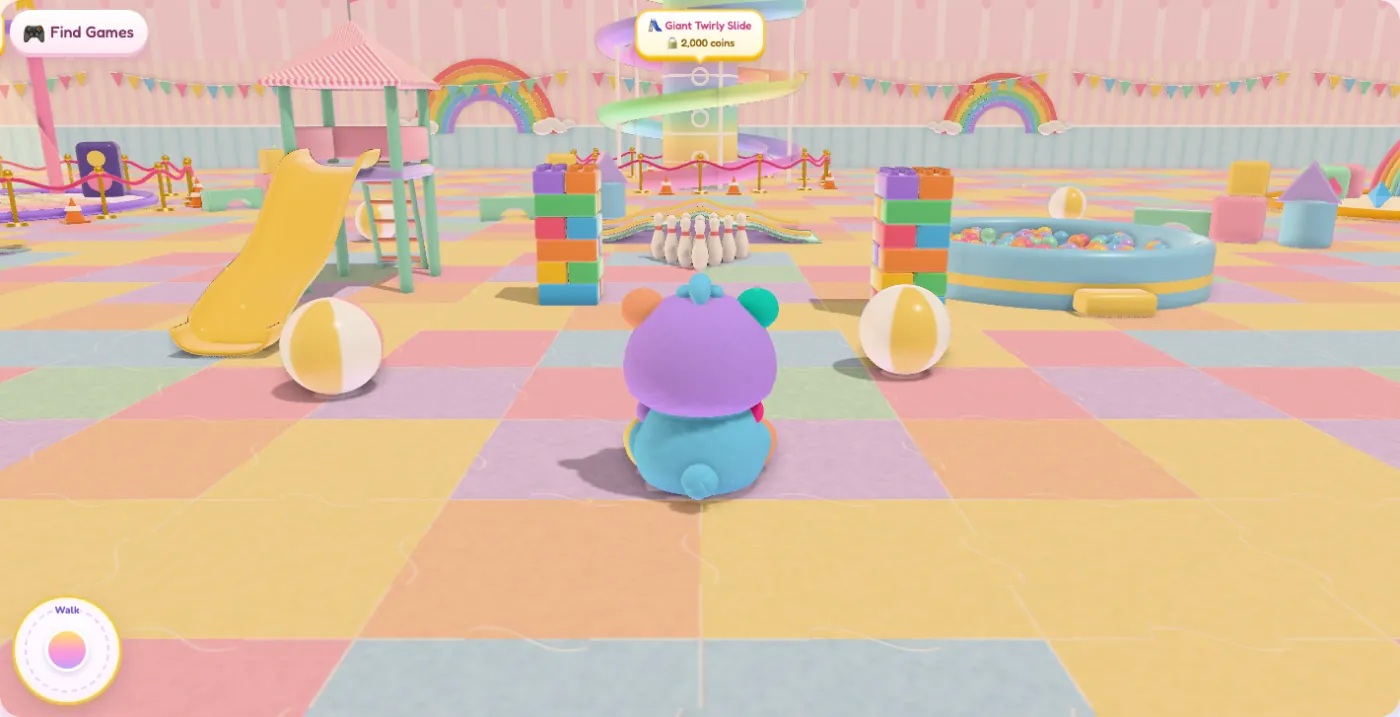
- Big touch targets: colour swatches, tools and the Walk joystick are sized for fingers.
- Zoom in on detailed pictures, then zoom back out.
- Saves across devices with a free account, so a picture started on the iPad can be finished on a laptop.
What to play on an iPad
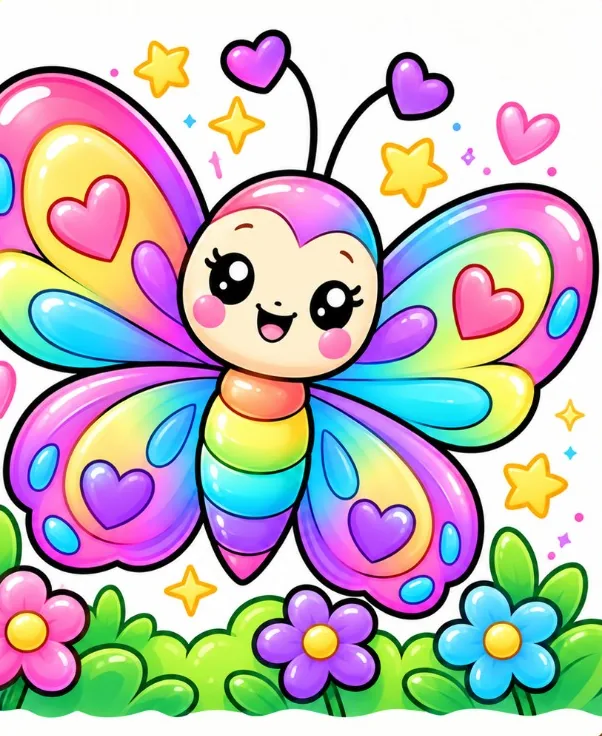
- Colouring: 280+ cute drawings across 14 worlds, with Puffy, Glitter, Neon and Fluffy paints.
- Bring Your Art to Life: colour the Bear and play with it in 3D.
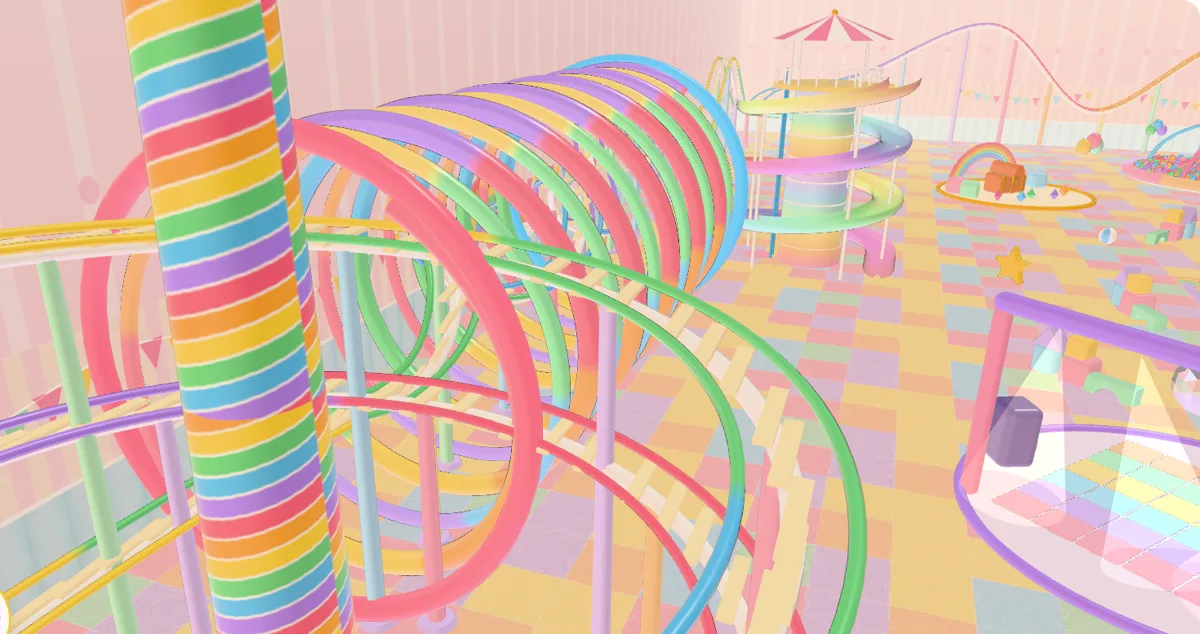
- My Colorochi: a virtual pet with a whole 3D play centre.
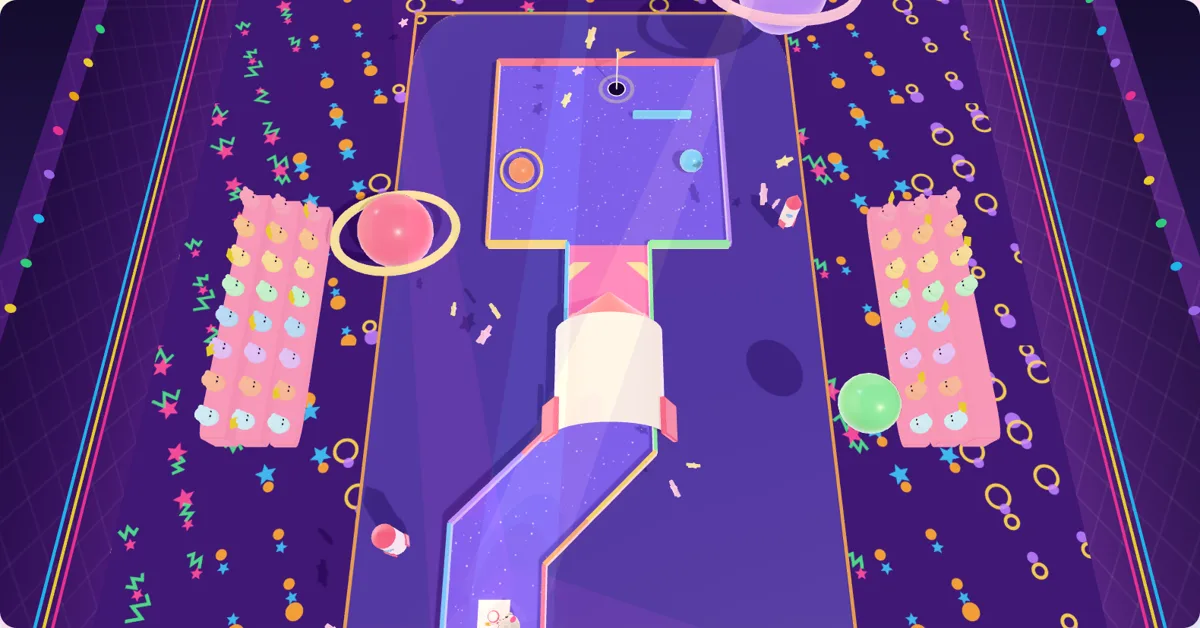
- Color Runner: swipe to dodge and jump.
Add it to the Home Screen
In Safari tap the Share button, then Add to Home Screen. Coloroo gets its own icon and opens full screen, just like an app.
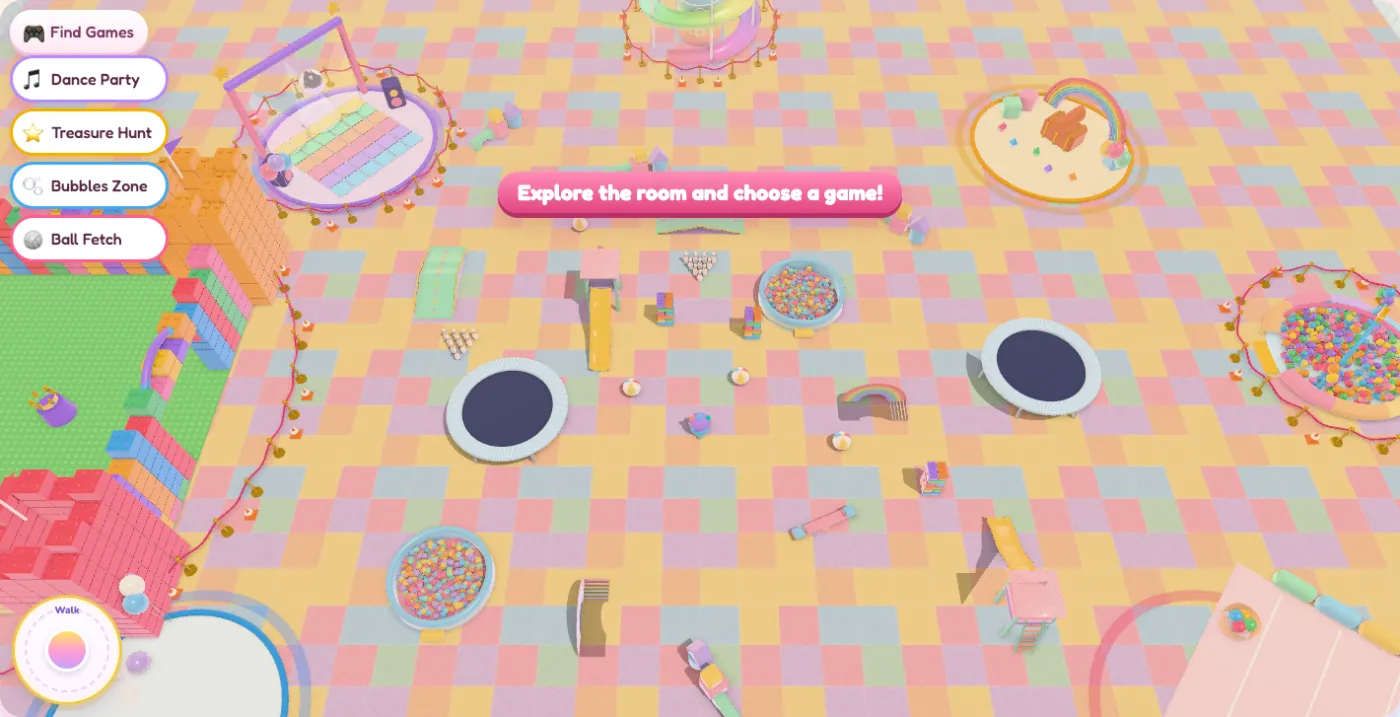
Free online games
Every game in the 3D play centre, explained.
Virtual pet game
Colour your own pet, then feed it, bath it and play together.
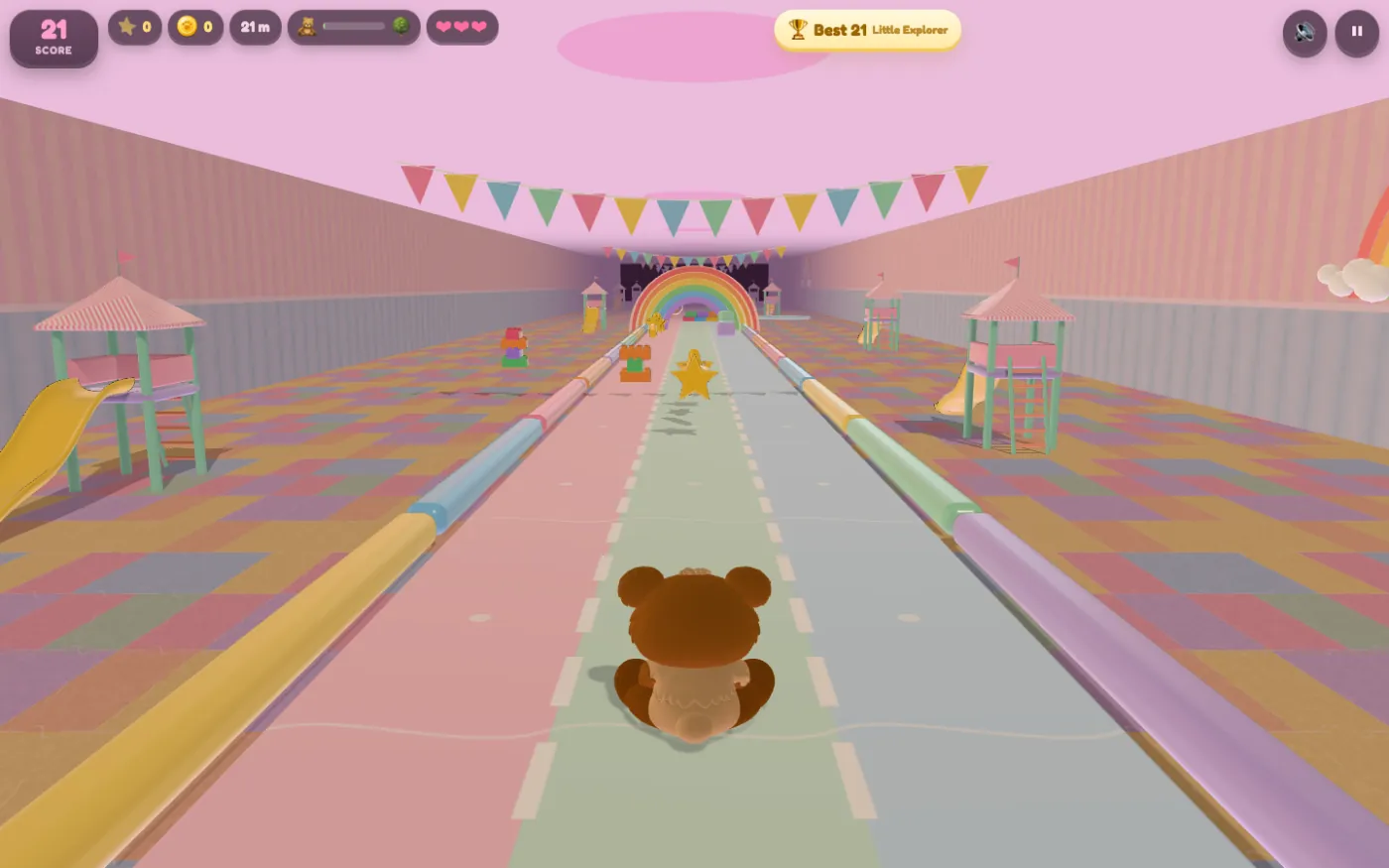
Color Runner
Dodge, jump and collect stars in four bright worlds.
Tips for smooth 3D play
- Close other heavy tabs before opening the 3D play centre.
- Use Wi-Fi the first time so the 3D worlds load quickly; they're cached afterwards.
- Turn on Guided Access if you want your child to stay inside Coloroo.
Questions grown-ups ask
Does it work on older iPads?
Colouring works on almost any iPad. The 3D worlds run best on iPads from the last few years and adjust their quality automatically.
Good to know
- Coloroo runs in the web browser on phones, tablets and computers, so there's nothing to download or install.
- Kids can start straight away as a guest. A free account keeps their drawings, Nibsy, coins and progress safe on every device.
- Coloroo Premium (with a 7-day free trial on Yearly) unlocks every drawing, every paint colour, Bring Your Art to Life and the extra 3D worlds.
- Coins are earned by playing and caring for a Nibsy. Optional coin packs always go through a grown-up check first.
- There is no chat and no contact with strangers: every game is calm and single-player.