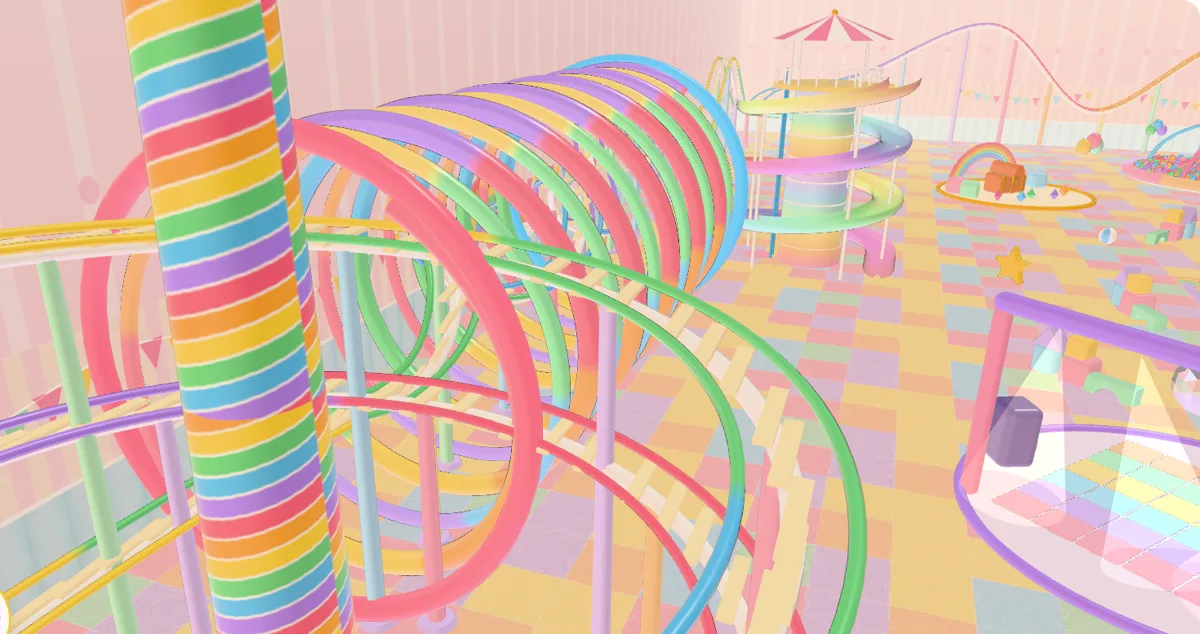
School Chromebooks are locked down, and that's a good thing. It also means the only games that work are browser games. Coloroo is one: open it in Chrome and everything, including the 3D play centre, runs right in the tab.
Mouse, touchpad or touch screen
- Colouring works with a click or a tap. Brush, Pencil and Marker are great with a mouse.
- 3D games use an on-screen joystick or the arrow keys.
- Color Runner uses arrow keys or swipes.
- Touch-screen Chromebooks work just like a tablet.
Great picks for a Chromebook
- Detailed colouring in Mindfulness Advanced, where a mouse gives extra precision.
- Drawing games: brushes, crayons and pencils.
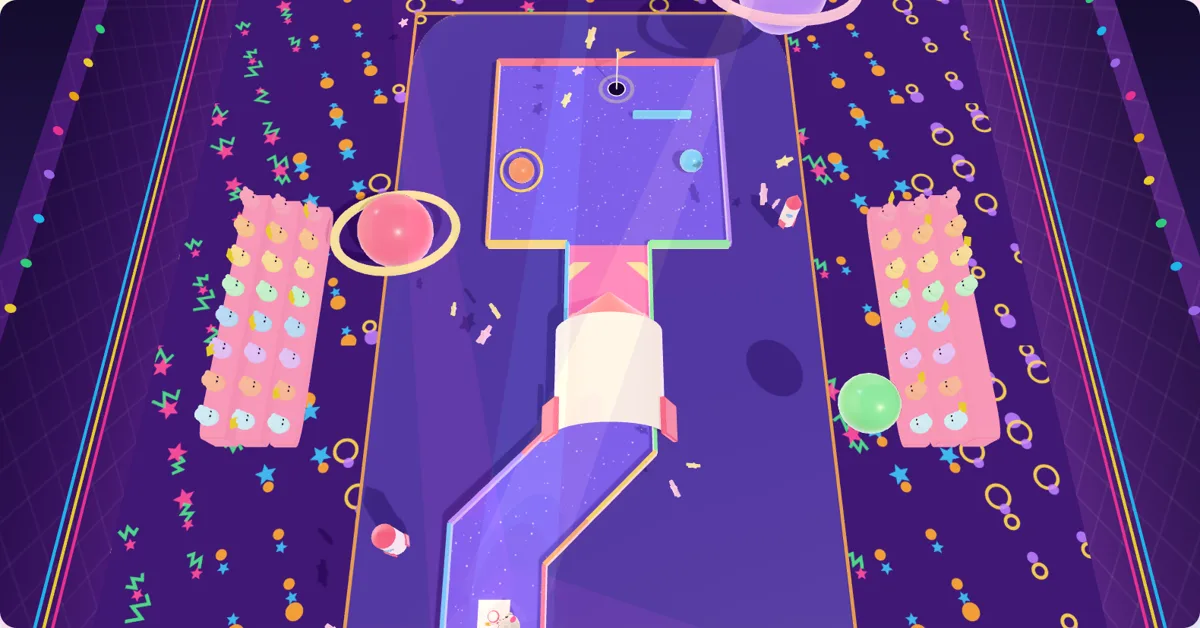
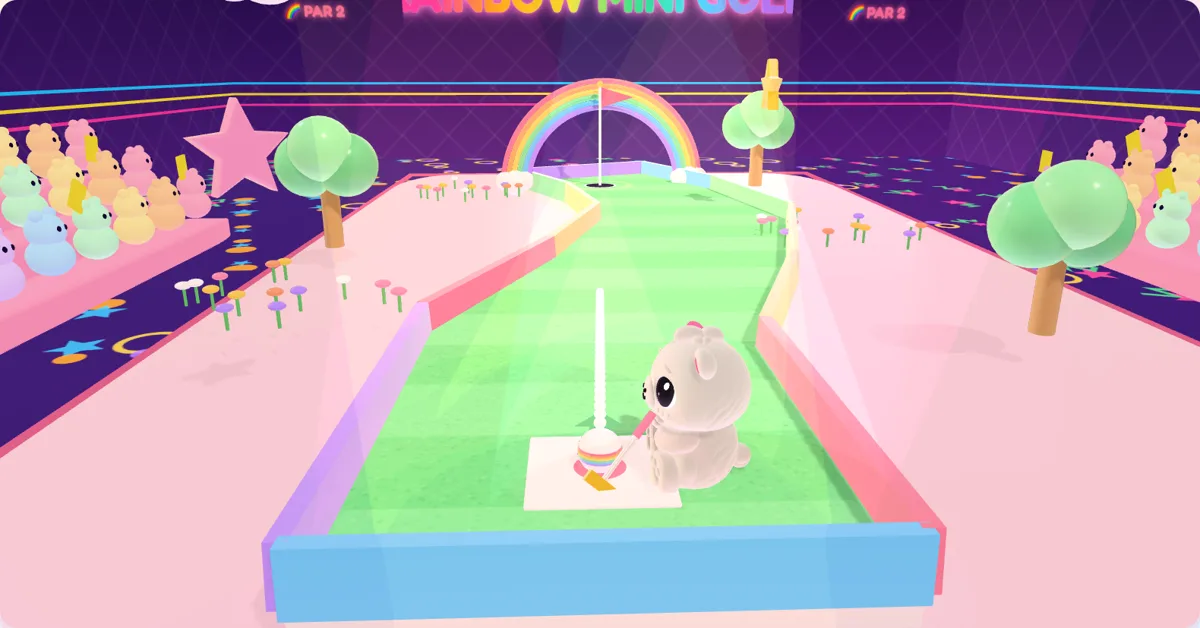
- Rainbow Mini Golf: unlock it with coins earned in My Colorochi.
- Color Runner: quick keyboard reflexes.
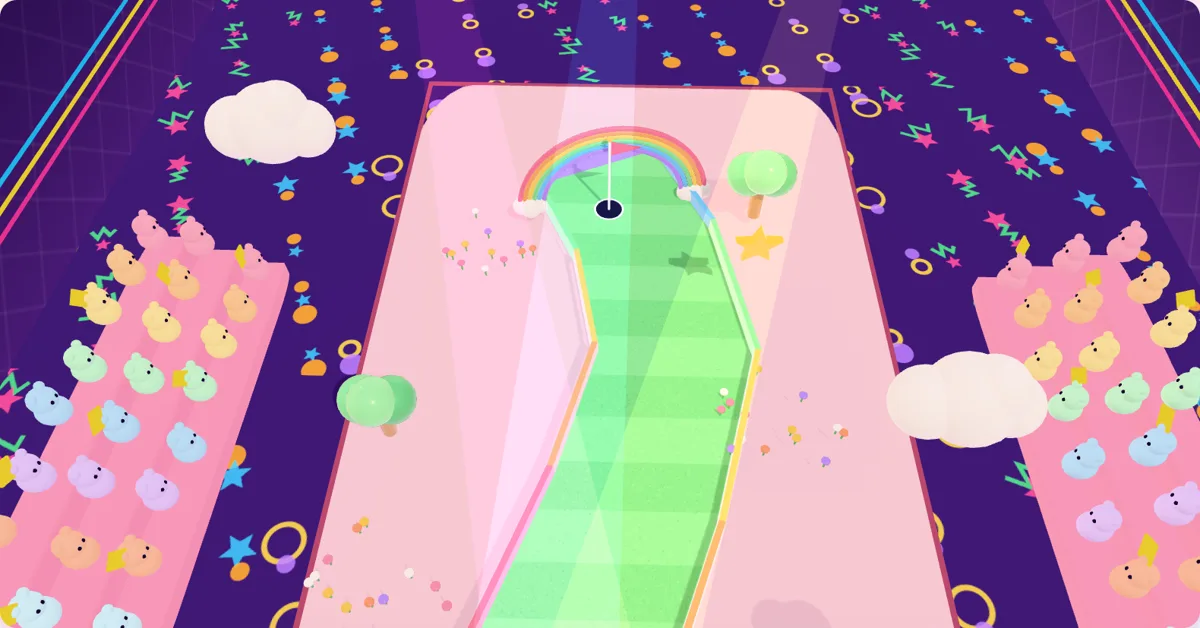
Rainbow Mini Golf
Nine wacky holes with ramps, loops and a castle finale.
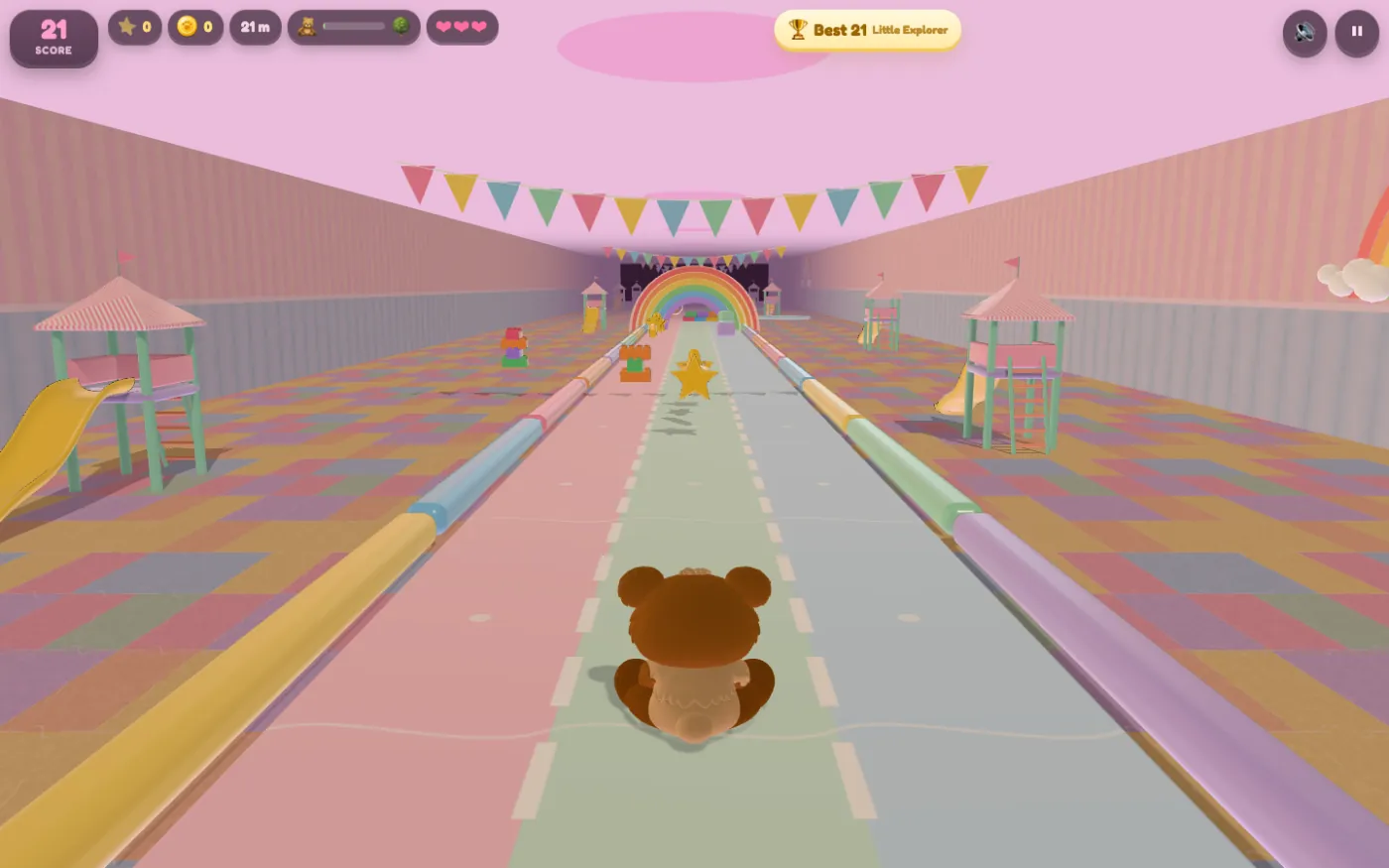
Color Runner
Dodge, jump and collect stars in four bright worlds.
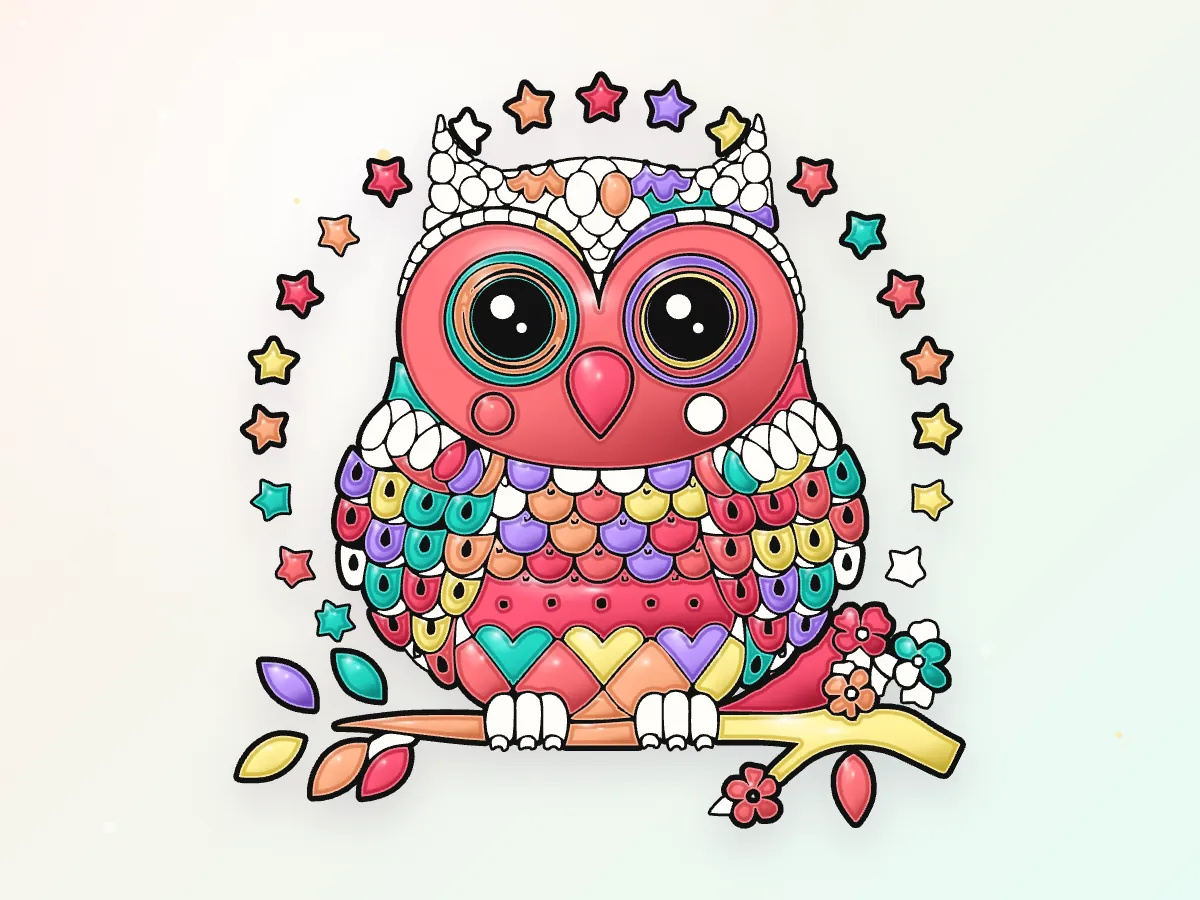
Drawing games
Brushes, crayons and pencils.
For parents and carers
- If a school account blocks a site, use a personal Google account on a home device instead.
- A free Coloroo account keeps progress safe, so it carries over between the Chromebook and a tablet.
- Coloroo has no chat, so there are no strangers to worry about.
Questions grown-ups ask
Do I need to install anything from the Chrome Web Store?
No. Just visit coloroo.com.au in Chrome.
Will 3D games run on a basic Chromebook?
Yes, they automatically lower their quality on slower machines so they stay smooth.
Good to know
- Coloroo runs in the web browser on phones, tablets and computers, so there's nothing to download or install.
- Kids can start straight away as a guest. A free account keeps their drawings, Nibsy, coins and progress safe on every device.
- Coloroo Premium (with a 7-day free trial on Yearly) unlocks every drawing, every paint colour, Bring Your Art to Life and the extra 3D worlds.
- Coins are earned by playing and caring for a Nibsy. Optional coin packs always go through a grown-up check first.
- There is no chat and no contact with strangers: every game is calm and single-player.