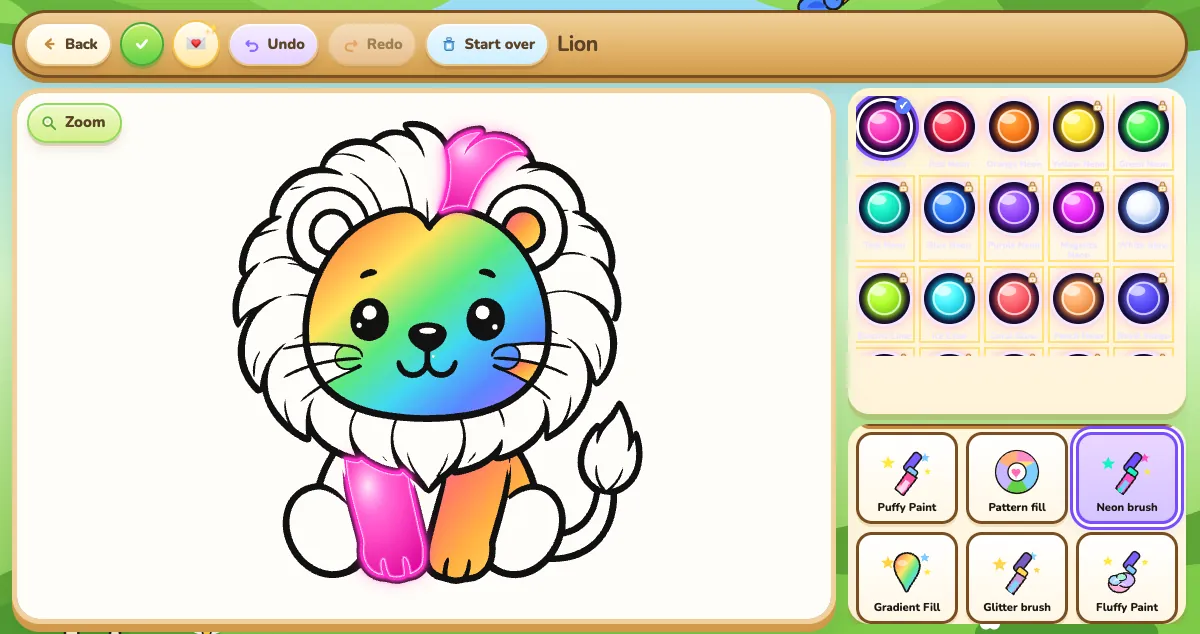
Real paint is wonderful, but it's also a lot of cleaning up. Online painting lets kids experiment freely: try neon, change their mind, undo, try glitter. Coloroo's paint box has more than 15 tools.
The magic brushes
- Fill: one tap colours a whole shape.
- Crayon, Marker, Pencil and Brush: classic tools for drawing and detail.
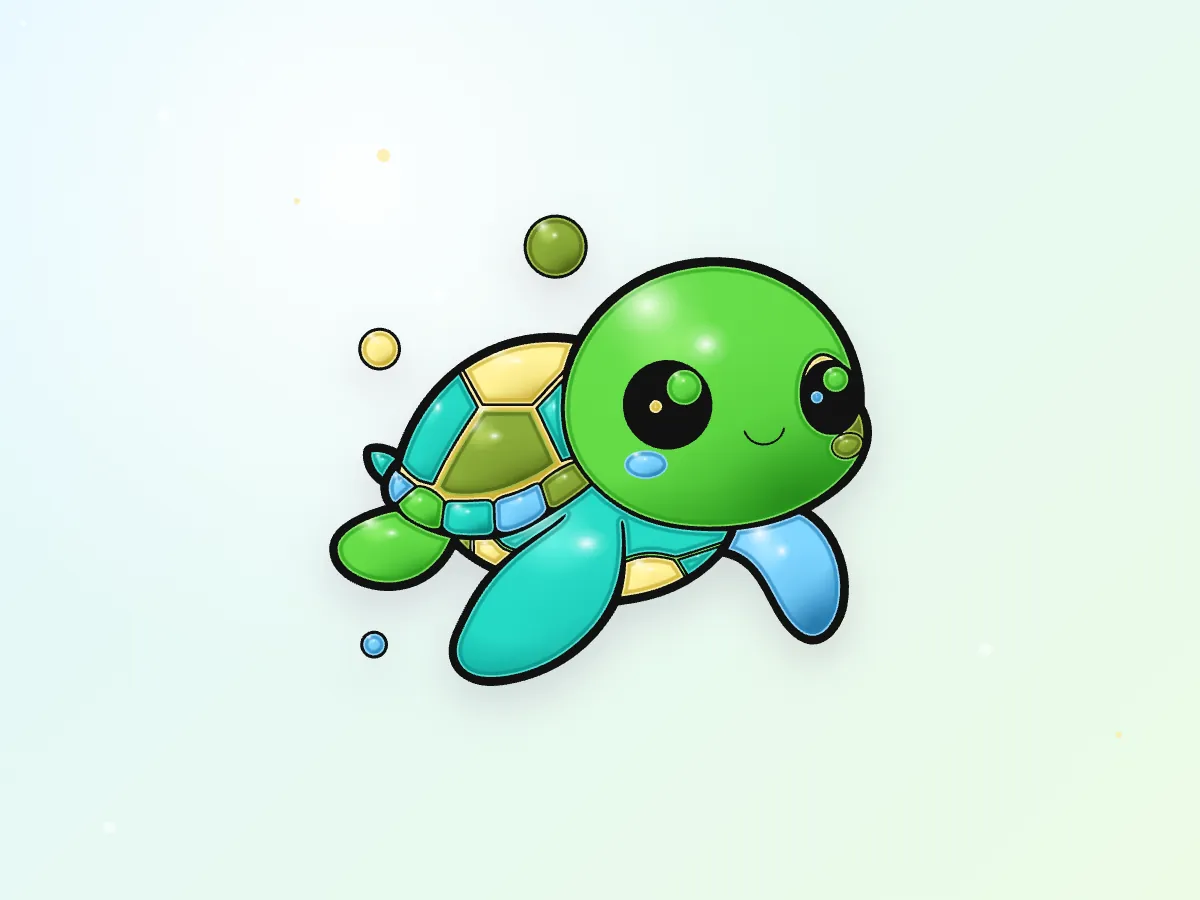
- Puffy Paint and Fluffy Paint: textures that look 3D.
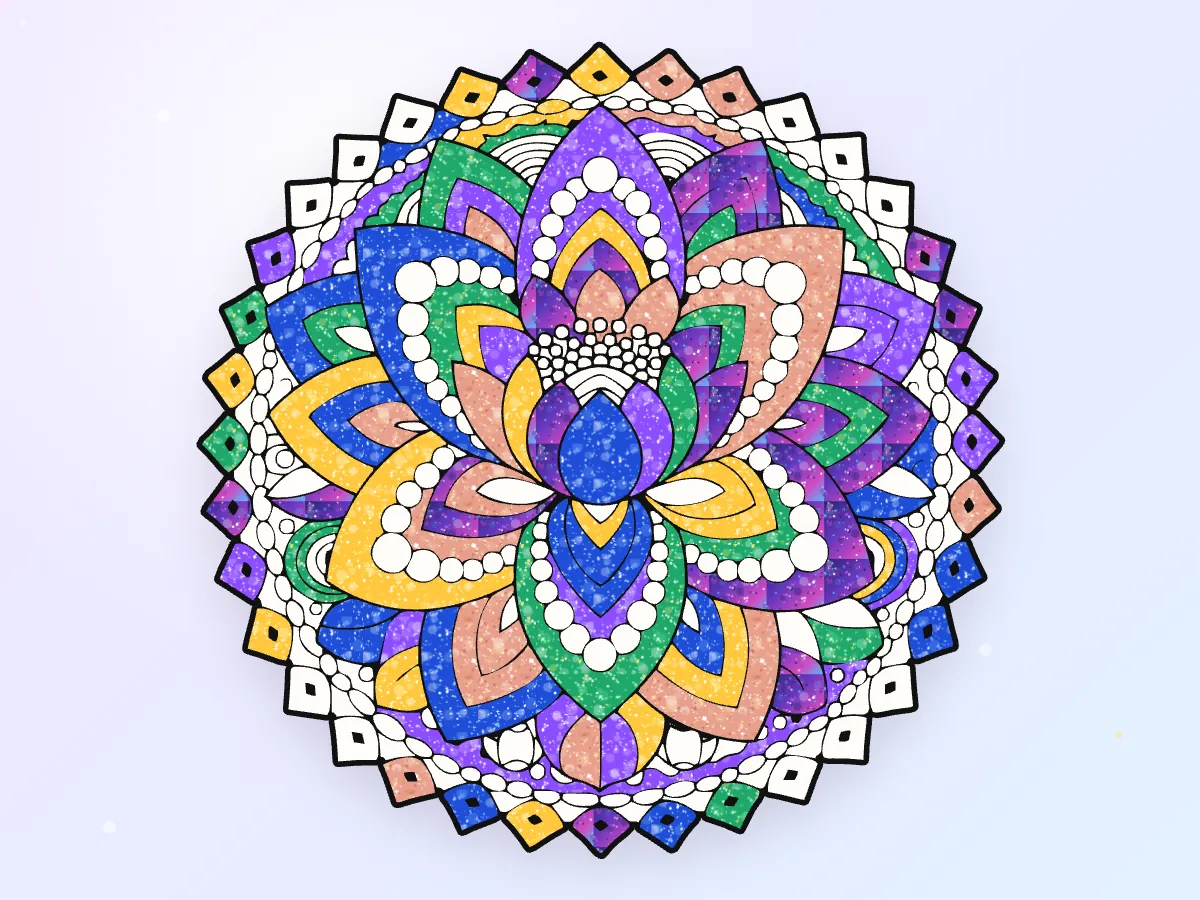
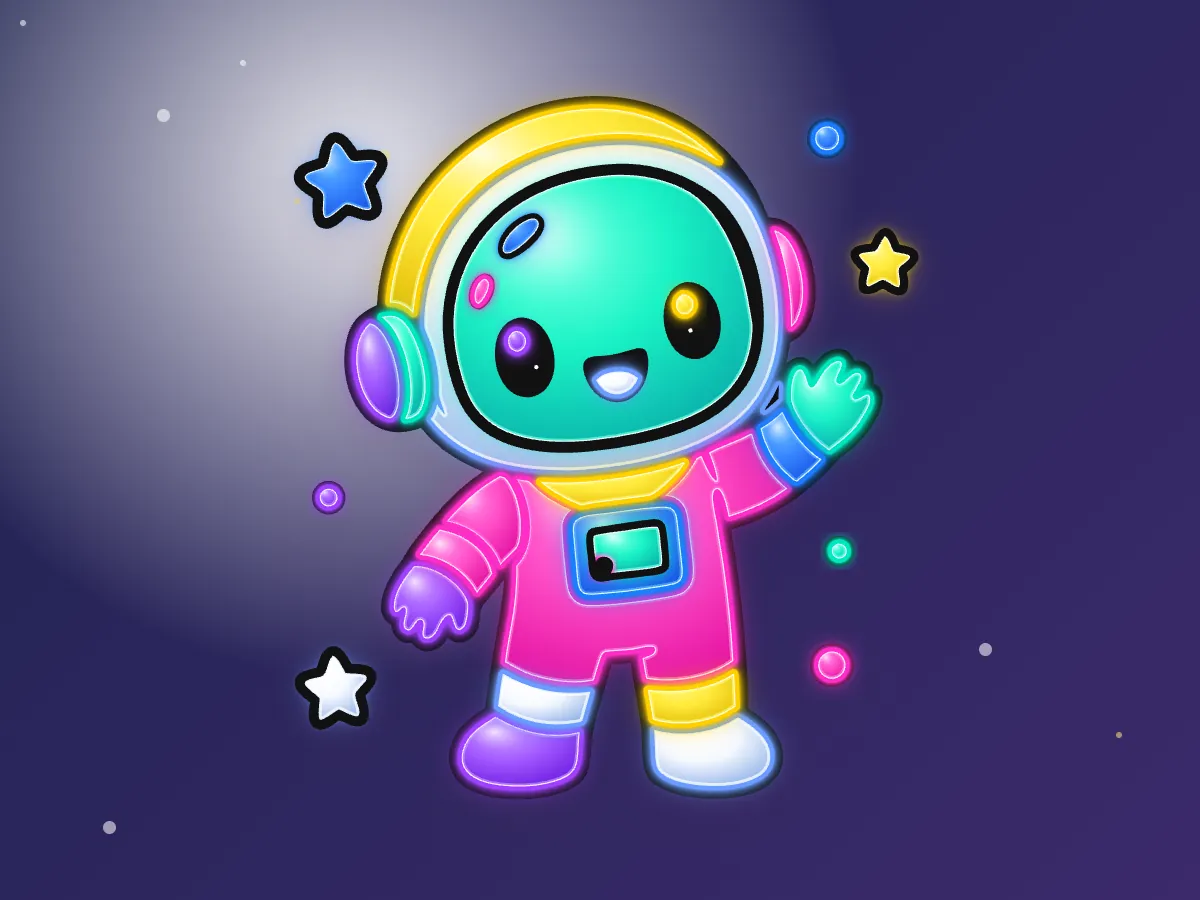
- Glitter and Neon: sparkle and glow.
- Gradient Fill and Galaxy Fill: blends and starry skies.
- Pattern fill, Rainbow and Confetti: hearts, stars, stripes and sprinkles.
- Magic Spray (Premium): a soft airbrush spray.
Painting tips for kids
- Start with Fill for big areas, then add detail with a brush.
- Pick a palette of three or four colours so the picture feels finished.
- Use Gradient for skies and water and solid colours for animals.
- Add Glitter last as a highlight on crowns, stars and eyes.
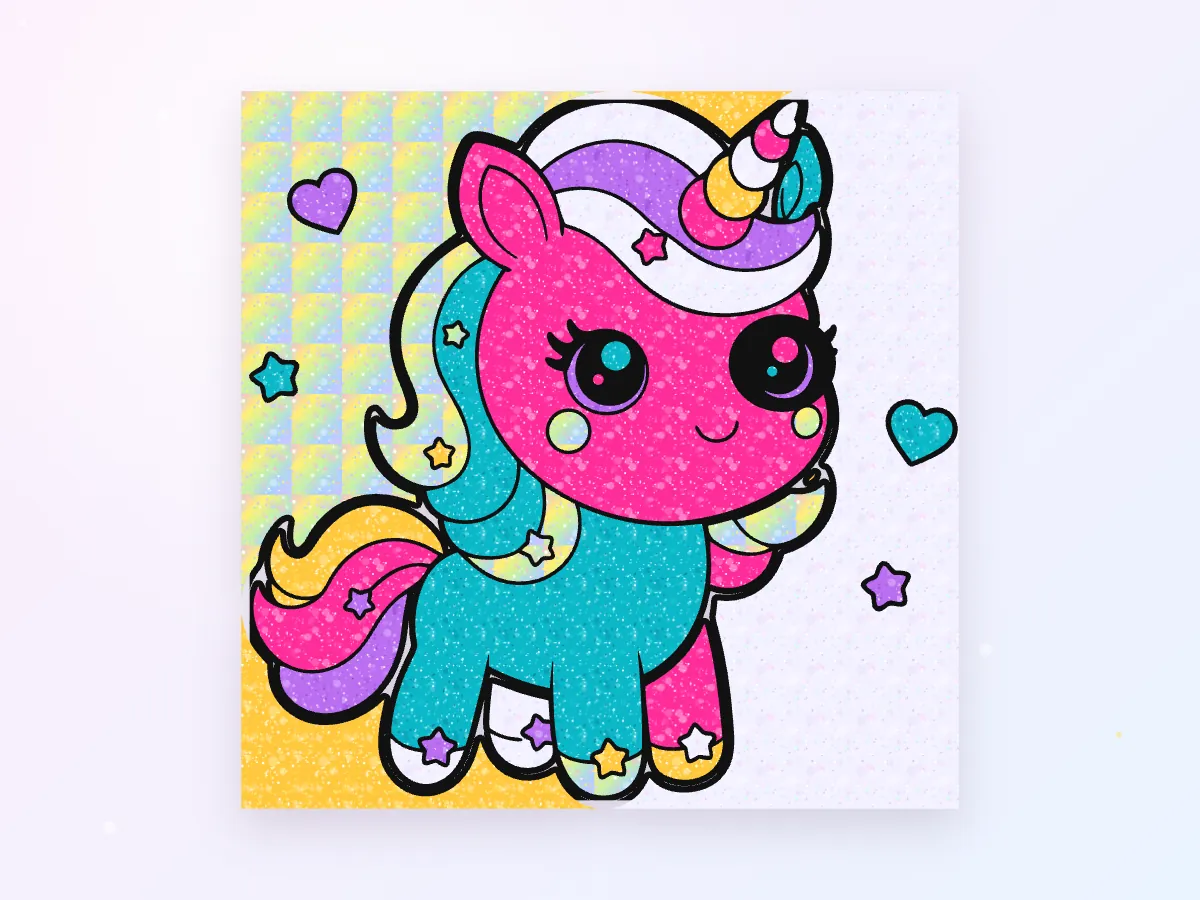
Glitter and puffy paint
Sparkle and squish.
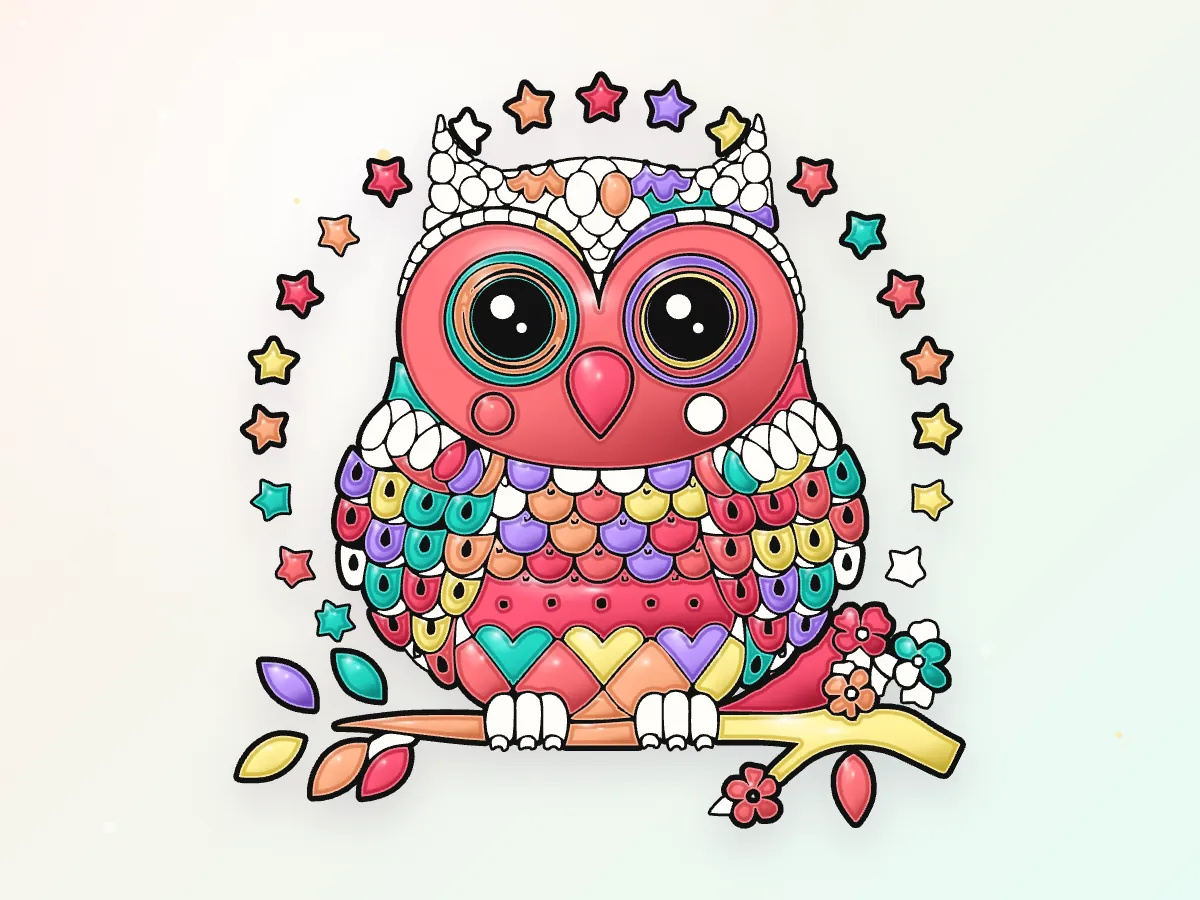
Drawing games
Brushes, crayons and pencils.
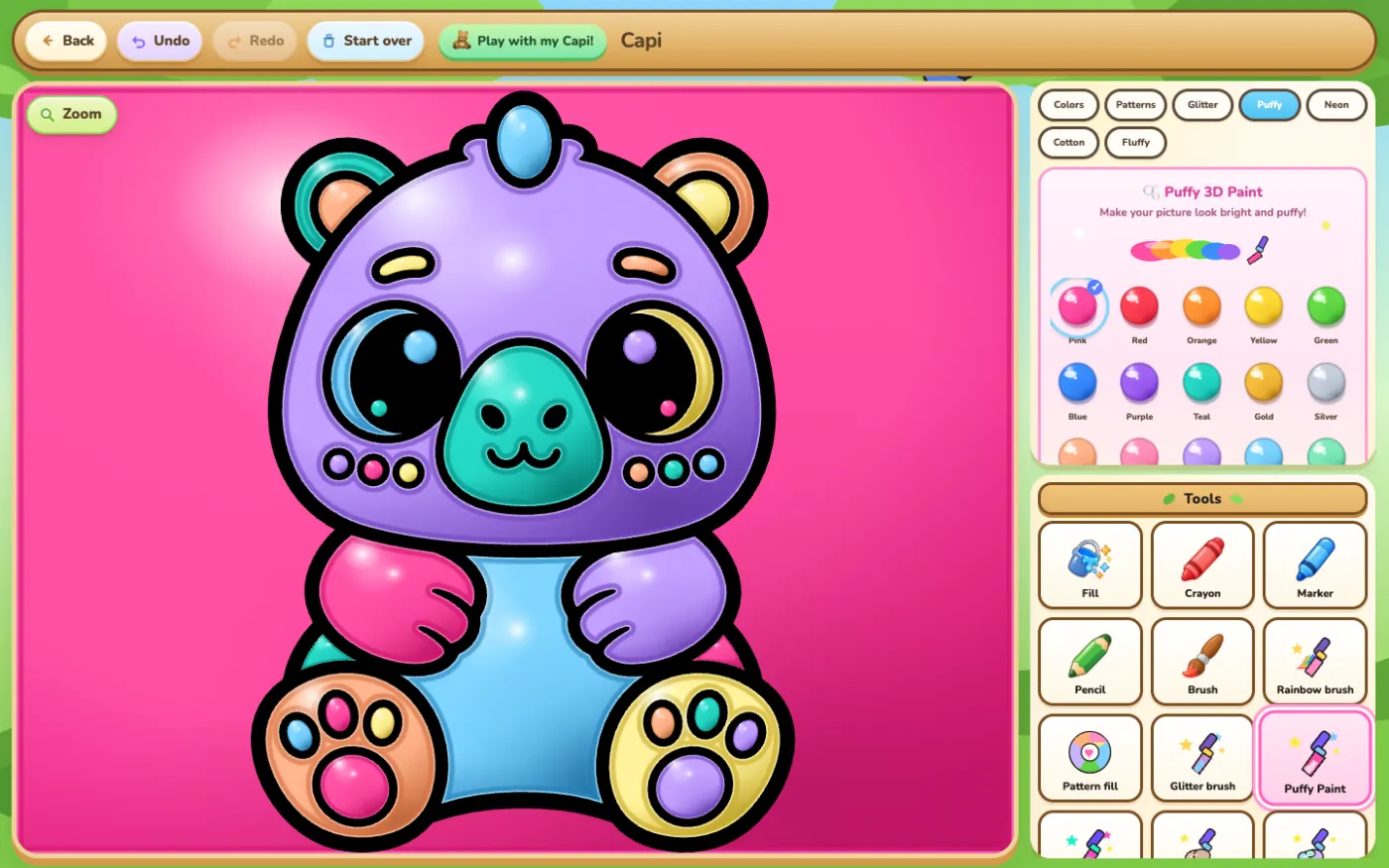
Bring your art to life
Colour a character, then play with it in 3D.
Then bring the painting to life
Paint a character in Bring Your Art to Life and it becomes a 3D figure wearing your exact colours, including the glitter and puffy paint.
Questions grown-ups ask
Which brushes are free?
Fill, Crayon, Marker, Pencil, Brush and Puffy Paint are ready to use, and the magic paints each include free colours. Premium unlocks every colour and the Magic Spray.
Can I undo mistakes?
Yes. Undo, Redo and Start over are always at the top of the screen.
Good to know
- Coloroo runs in the web browser on phones, tablets and computers, so there's nothing to download or install.
- Kids can start straight away as a guest. A free account keeps their drawings, Nibsy, coins and progress safe on every device.
- Coloroo Premium (with a 7-day free trial on Yearly) unlocks every drawing, every paint colour, Bring Your Art to Life and the extra 3D worlds.
- Coins are earned by playing and caring for a Nibsy. Optional coin packs always go through a grown-up check first.
- There is no chat and no contact with strangers: every game is calm and single-player.