Home / Blog / How to Make Digital Colouring Pictures Sparkle with Glitter and Puffy Paint

Coloroo features

How to Make Digital Colouring Pictures Sparkle with Glitter and Puffy Paint

14 May 2026 · Updated 13 November 2026 · Coloroo

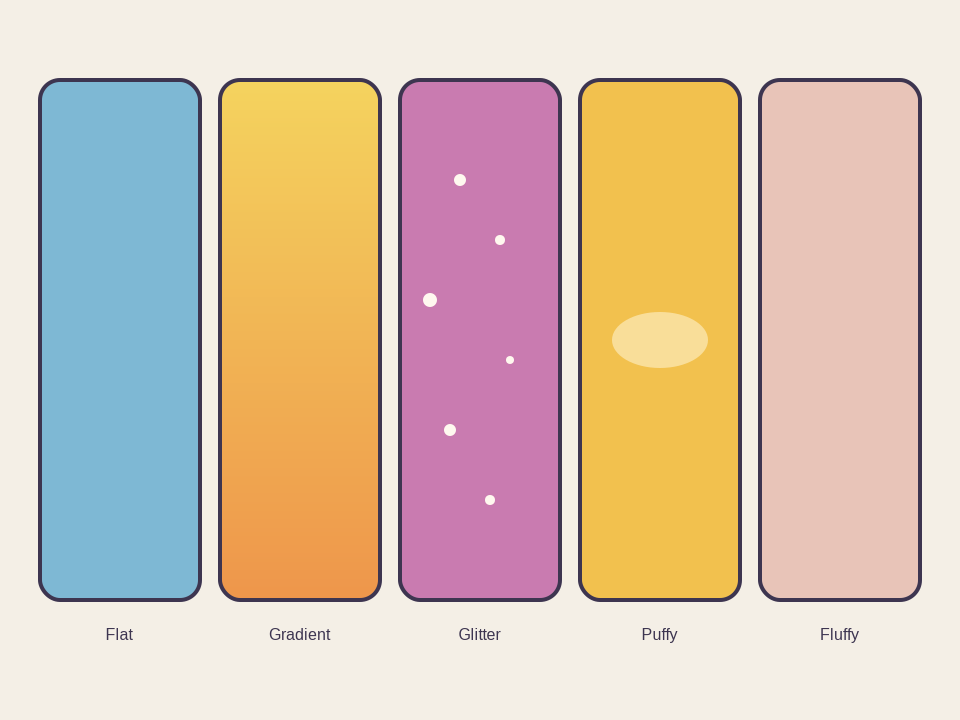
Ordinary Fill is the quiet base. Glitter sparkles, Puffy looks raised, Neon glows. Here is how those Coloroo tools differ, and what you can try without Premium.

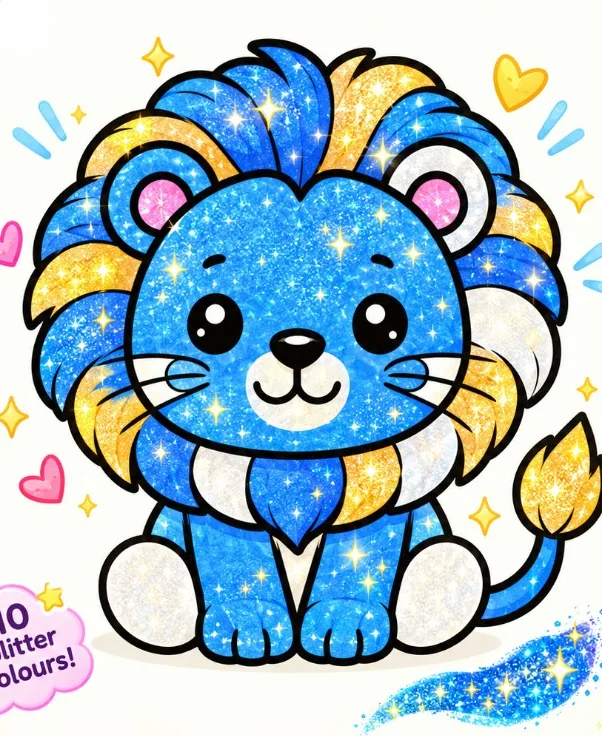
Lion coloured with Coloroo glitter in the real editor
Lion coloured with Coloroo glitter
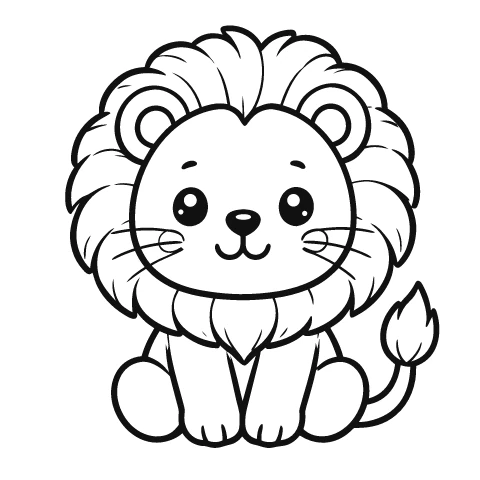
Uncoloured lion drawing
BeforeAfter
Glitter is an in-game fill, not a photo filter.

Try it in Coloroo

Try glitter colours

Open a lion and put ordinary Fill on the face, glitter on the mane.

Try glitter colours

Open a picture, then look at the kit tabs. Fill, crayon and the drawing tools are the everyday set. Magical tabs sit beside them. You do not need every tab in one session.

What each tool is doing

  • Fill puts a flat colour inside a shape.
  • Glitter adds sparkle to the colour. Feature page: glitter colouring.
  • Puffy Paint looks shiny and a bit raised. All puffy colours are available without Premium. Feature page: puffy paint.
  • Neon glows. Feature page: neon.
  • Fluffy Paint looks soft. Feature page: fluffy paint.
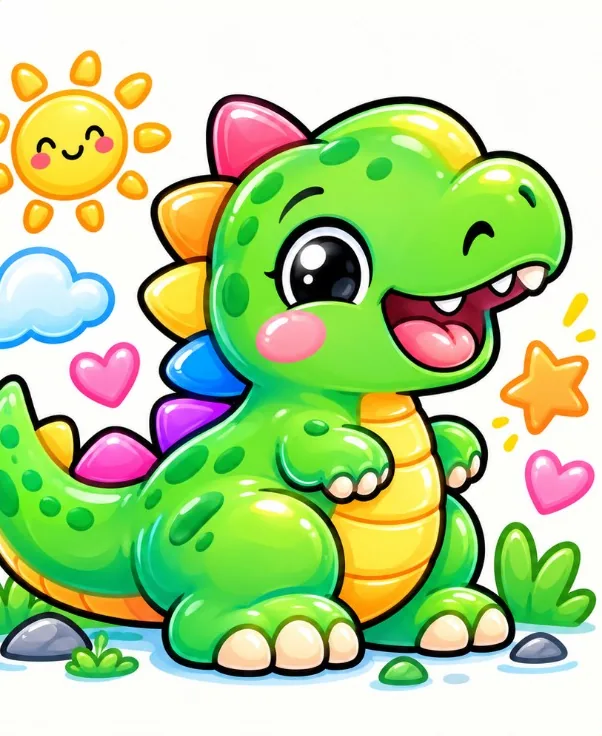
Dinosaur coloured with puffy paint
Puffy Paint on a dinosaur. Every puffy colour is unlocked.

Free to try vs Premium extras

Glitter, neon, fluffy, pattern, rainbow, galaxy, gradient and confetti each include a small free set. Extra colours in those tools unlock with Annual ($1 per month billed annually) or Lifetime ($30 once). Puffy is not gated. Creating an account does not unlock the extra colours by itself.

A simple combo that looks finished

  1. Fill the big shapes with ordinary colour.
  2. Puffy on a bow, horn or belly.
  3. Glitter on tiny details only, so it stays special.
  4. Undo if a sparkle landed on a face you wanted calm.

Screenshots on the feature pages are in-game artwork, not 3D ad renders.

Sparkle on the page, Fill in 3D

You can still use glitter and puffy on Bring Your Art to Life pages. Those textures stay on the 2D colouring. The 3D model currently follows ordinary Fill on mapped parts. Colour with Fill first if you want the 3D buddy to match, then add sparkle for the picture. Bring your colouring pages to life in 3D explains the rest.
Ready to make something magical?

Choose a picture, explore colours and create something of your own.

Try glitter colours

You might also love

More colouring ideas and activities from Coloroo.

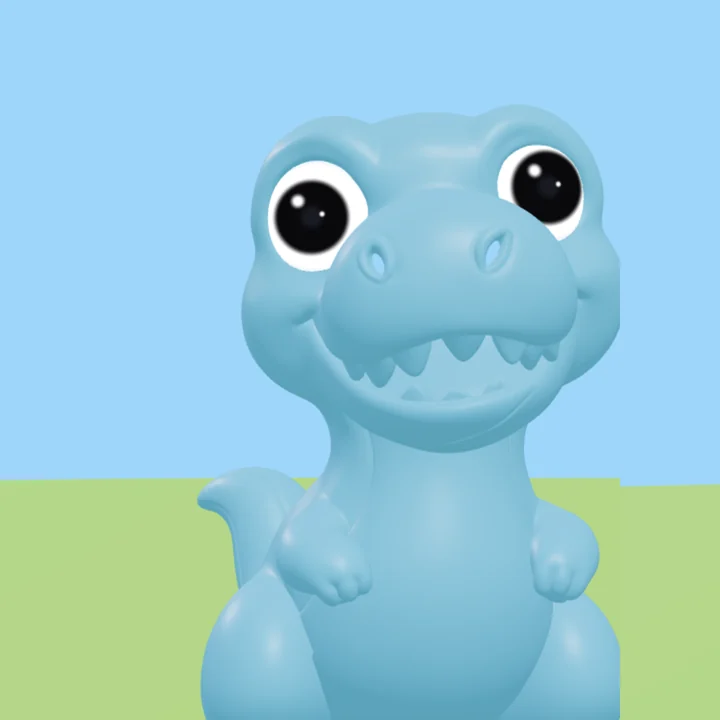
Coloroo T-Rex standing in its 3D play world after colouringColouring tips

Bring Your Colouring Pages to Life in 3D with Coloroo

Read article
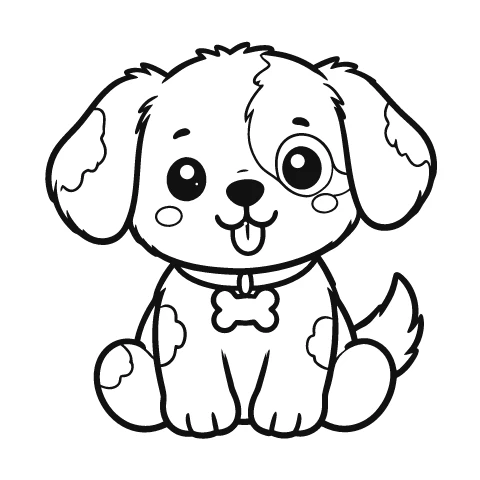
Puppy colouring picture that suits Fluffy PaintColoroo features

Fluffy Paint Colouring: How to Create Cute Plush-Looking Pictures

Read article
Five digital colouring finishes: flat, gradient, glitter, puffy and fluffyColouring tips

Digital Colouring Techniques for Adults: Gradients, Textures and Creative Effects

Read article