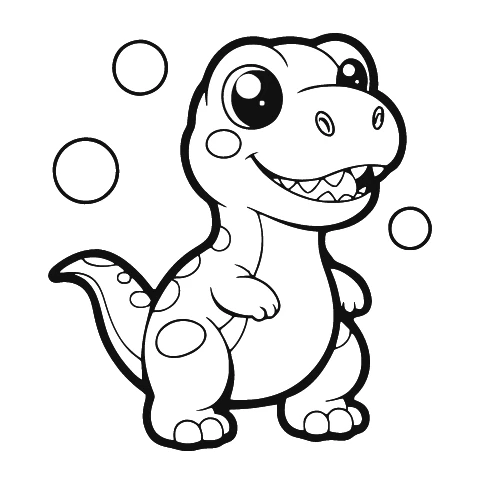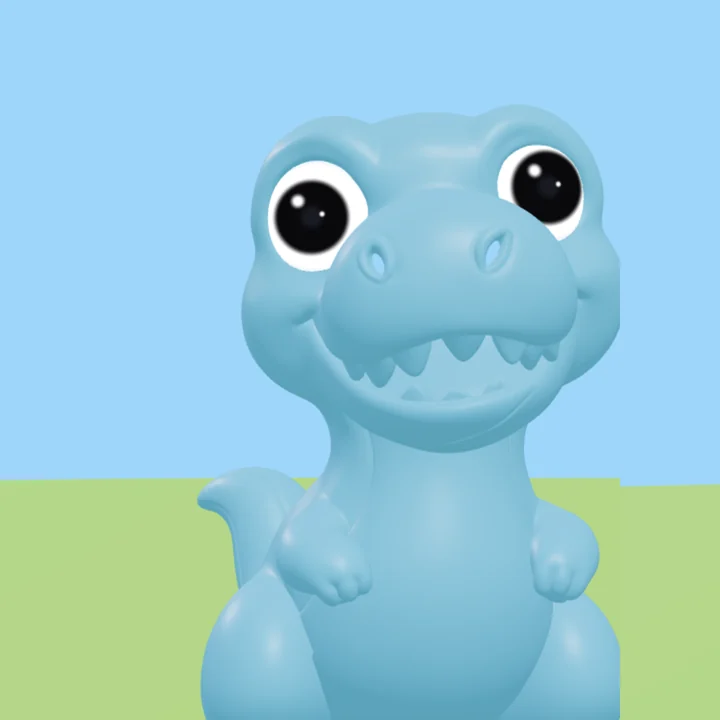
Most Coloroo worlds are 2D colouring pages. Bring Your Art to Life is a smaller gallery of characters that can step into 3D after you colour them. You pick a buddy, decorate it, tap Bring to Life, then explore with the same character in a play world.
It does not turn every colouring page into 3D, and it does not accept uploaded photos or random drawings. Only the characters in that gallery have a matching 3D model.
How to Bring Your Art to Life
Step 1
Pick a buddy
Open Bring Your Art to Life and choose a character. The Bear is free to try. Other buddies unlock with Annual or Lifetime.
Step 2
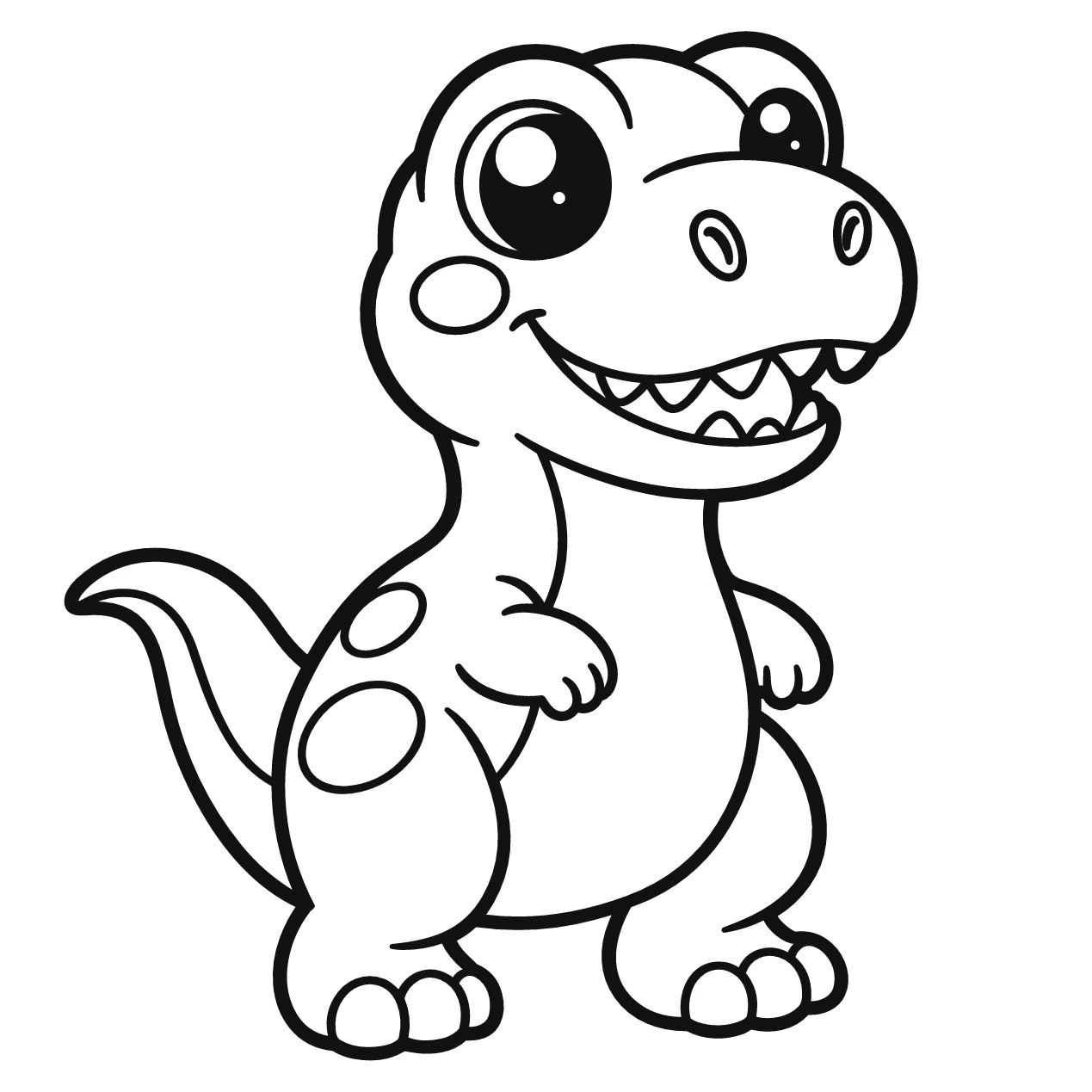
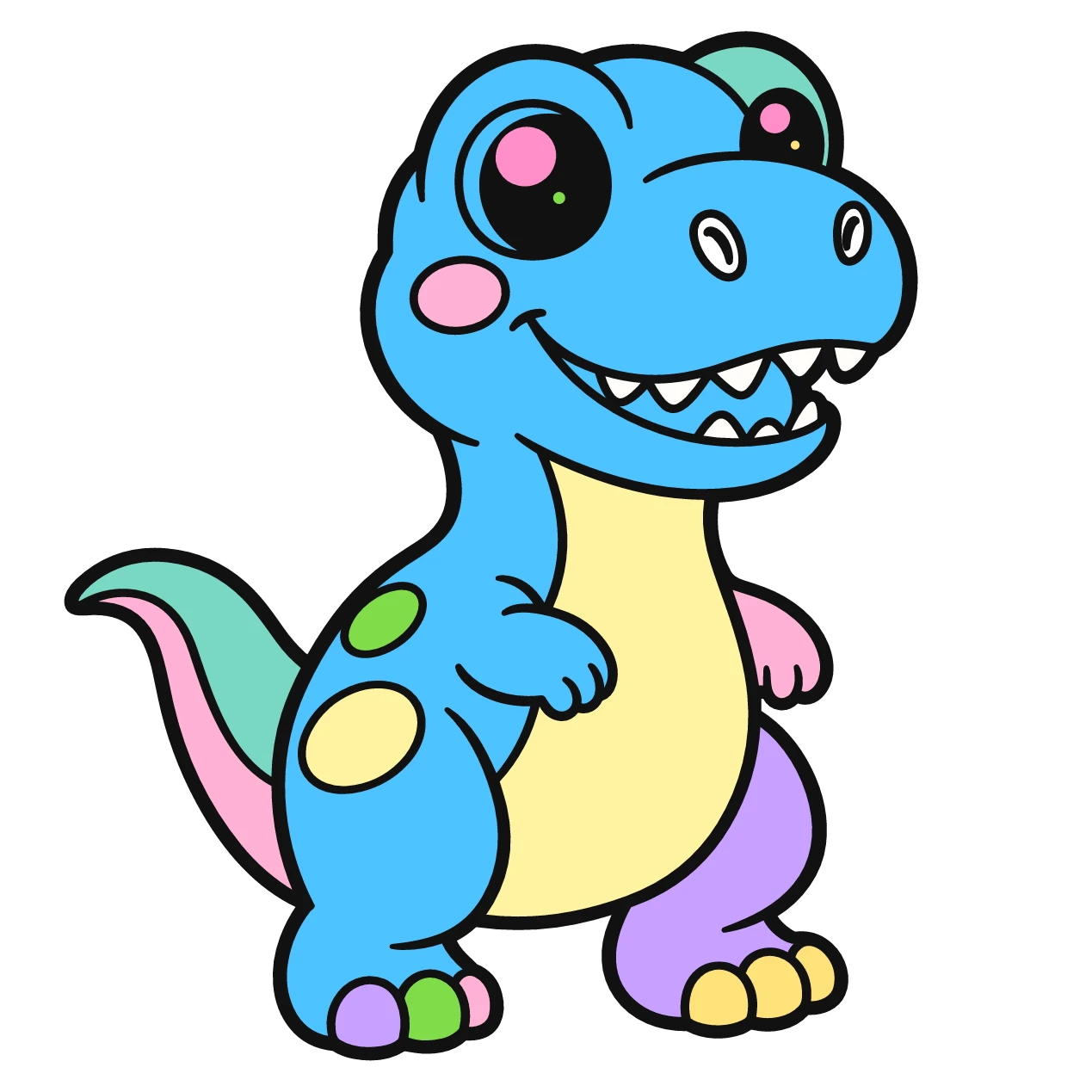
Colour it your way
Use Fill for the colours the 3D model will show most clearly. Magical brushes still work on the page.
Step 3
Tap Bring to Life
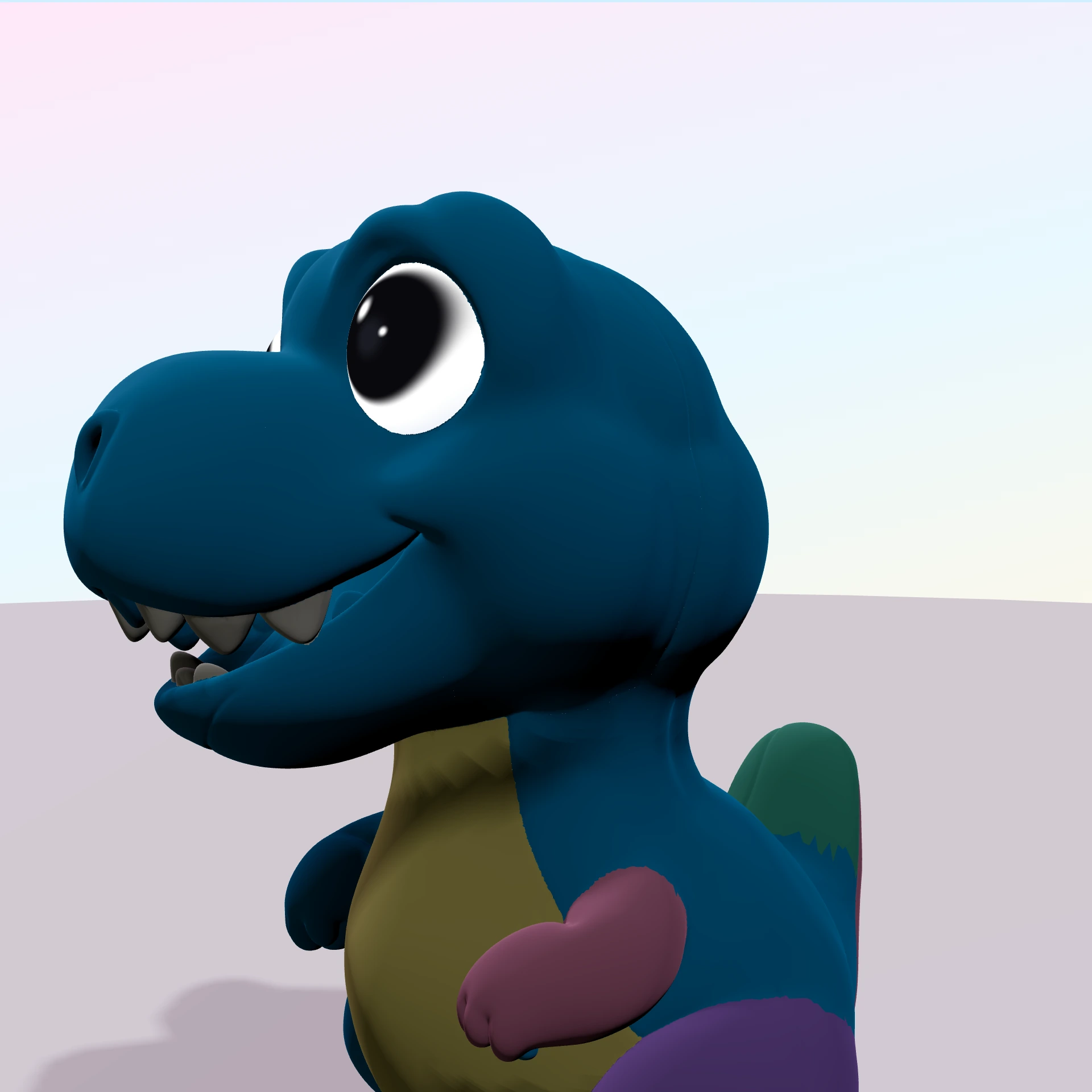
When the page has some colour, tap Bring to Life. Coloroo loads the matching 3D model with your Fill colours.
Step 4
Play and explore
Use the joystick to walk a creature or drive a car. You can go back to the colouring page and change colours, then bring it to life again.
Meet the characters
These are the public buddies in Bring Your Art to Life today. Each one is a colouring page linked to its own 3D model.
Bear
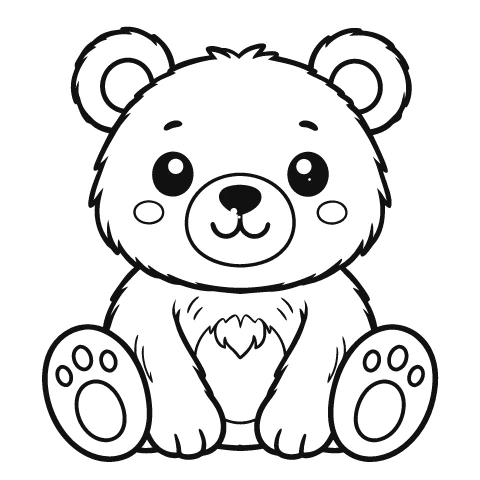
Free to try. A cuddly first 3D colouring session.
T-Rex
Colour the dinosaur, then walk it around its world.
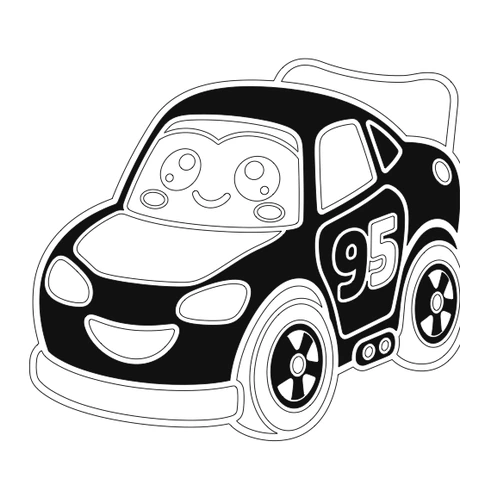
Racing Car
Paint a racer, then drive it.
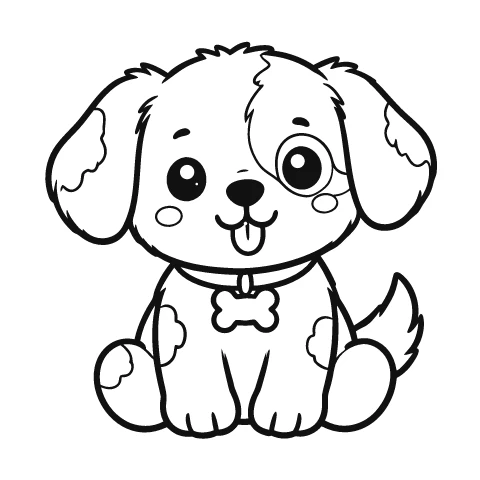
Cute Puppy
A friendly dog you can colour and explore with.
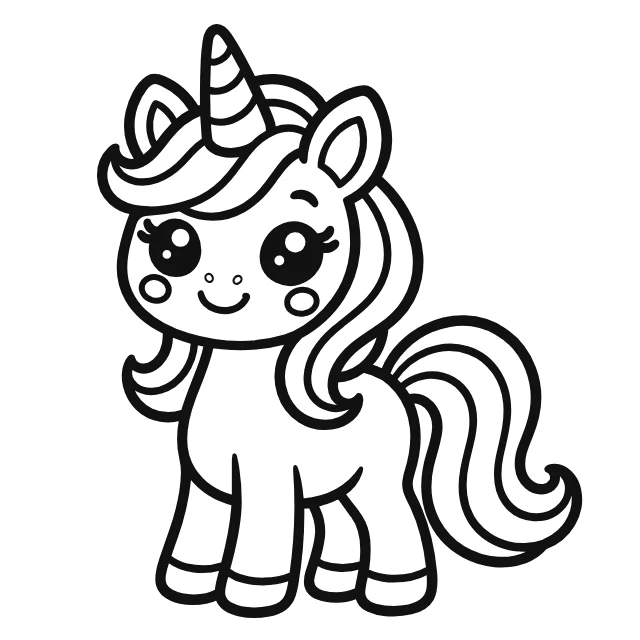
Cute Unicorn
Fantasy colours, then a 3D unicorn.
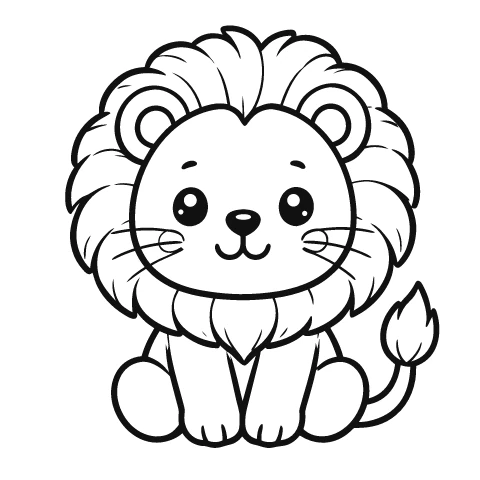
Cute Lion
A big mane and a 3D walk.
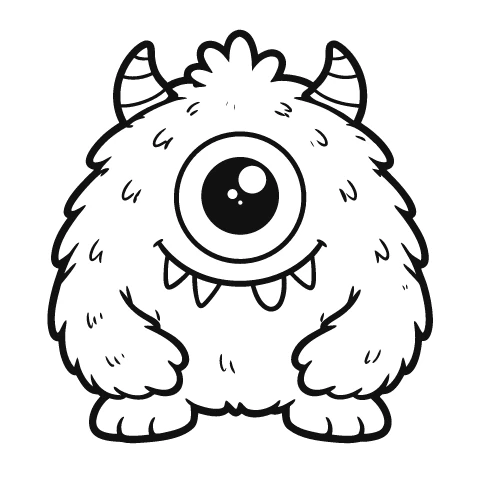
Cute Monster
One-eyed and silly, ready for 3D play.

Mini Bus
Colour a little bus, then drive it.
These 3D characters are not the same files as Dinosaur World, Animals or Vehicles. Those worlds stay 2D. If you want the 3D T-Rex, open Bring Your Art to Life rather than the dinosaur catalogue.
Colour it your way
On the colouring page you still have Coloroo's kit: ordinary Fill, crayon, marker, Rainbow Brush, Pattern Fill, Gradient Fill, Galaxy Fill, Glitter, Neon, Puffy Paint, Cotton Brush and Fluffy Paint.
What the 3D model shows today is mainly ordinary Fill on mapped body parts. Kawaii eyes stay as the game drew them. Glitter, neon, puffy, fluffy and pattern effects stay on the 2D page. They make the colouring fun, and they do not currently copy onto the 3D surface.
A simple recipe: Fill the big shapes first, add one extra colour on a belly or a door, then tap Bring to Life. You can read more about sparkle tools in glitter and puffy paint.
Watch your creation come alive
After you tap Bring to Life, Coloroo prepares the 3D buddy and drops you into its world. You see the character you coloured, not a generic unpainted model. From there you move with the on-screen joystick.
- Creatures such as the Bear, T-Rex, puppy, unicorn, lion and monster walk and look around.
- Vehicles such as the racing car and mini bus drive.
- You can leave 3D, change colours on the page, and bring the same buddy to life again.
Kids, grown-ups and a first try
Children often like the surprise of seeing their colours on a moving character. Grown-ups can treat it as a short creative break: colour for a few minutes, then play. The Bear is the no-pressure taster. Other characters need an account plus Annual or Lifetime, which also unlocks the rest of Coloroo.
Play in a modern web browser on a computer, tablet or phone. If you use the Coloroo app, some 3D scenes can lag behind the website, so this guide describes the web experience.
If you want ordinary colouring
Nothing else changed. How to colour online still covers Fill, undo and saving. Dinosaur colouring ideas and cute animal ideas are still for 2D pages. Use those when you want a picture. Use Bring Your Art to Life when you want a character you can play with in 3D.