Screens are not automatically creative. A long autoplay video is restful for some families and frustrating for others. This list focuses on activities where the child is tapping, drawing, arranging or deciding. It does not claim that any app will raise test scores.
What “interactive” means here
Interactive means the next thing on screen depends on what the child just did. Colouring a shape, moving a puzzle piece, recording a sound. If the child could walk away for five minutes and miss nothing but plot, it is closer to watching.
10 ideas
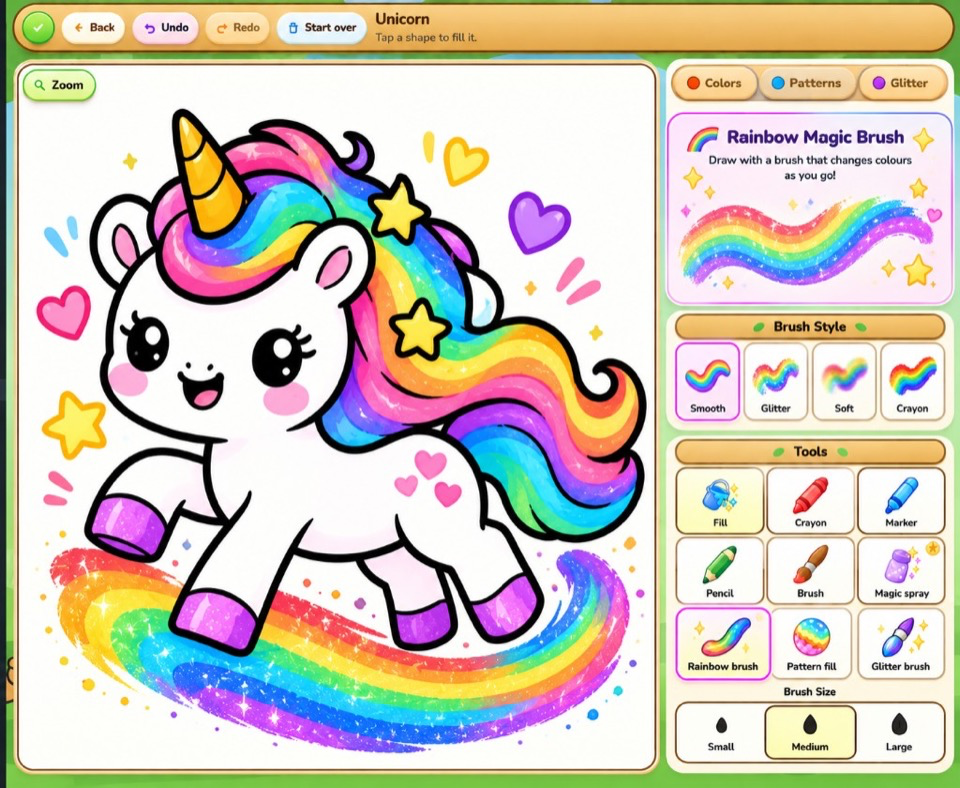
- Digital colouring. Pick a picture, pick colours, change your mind. Coloroo’s Fill tool is a clear example.
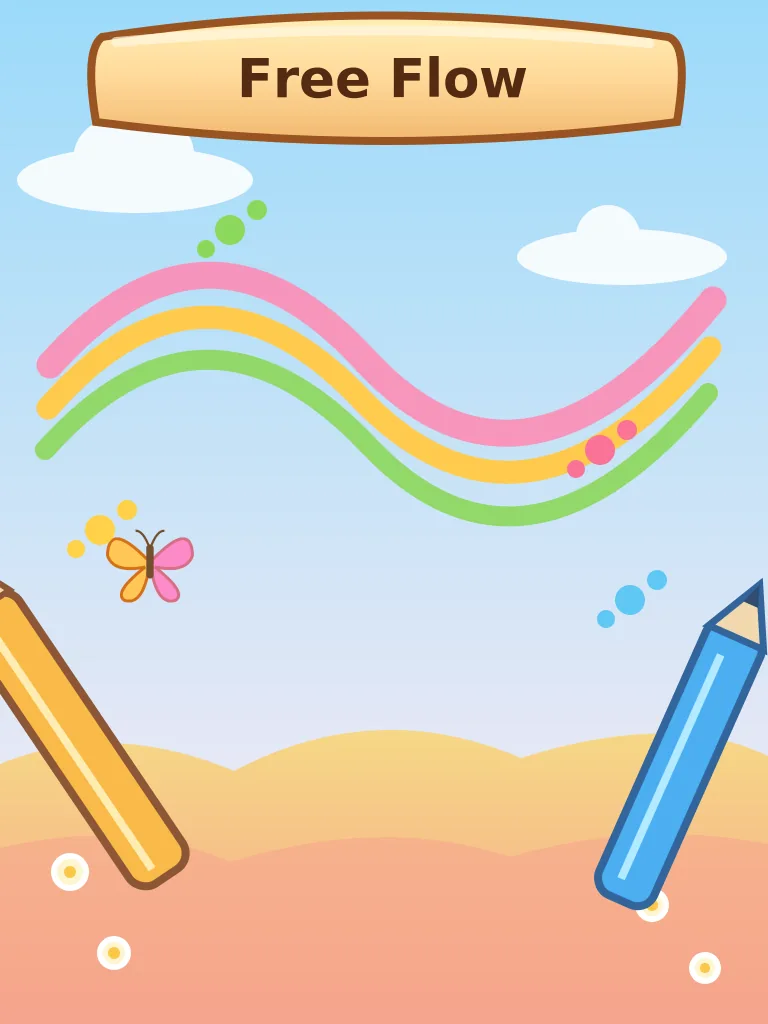
- Freehand drawing. A blank canvas such as Free Flow.
- A jigsaw or logic puzzle with a clear end.
- Story creation. A comic strip app or a simple photo story of toys they staged.
- Music making. A drum pad or xylophone app with no in-app shop on screen if you can help it.
- A tiny coding puzzle. Age-suitable, short sessions. Stop before frustration.
- Design a room or island in a building game you already allow.
- Photo walk indoors. They take five photos of textures, then pick a favourite.
- Voice memo radio show. You are the producer. They are the host.
- A colouring challenge. Only three colours, or only glitter on the mane. Constraints make it a game.
Grown-up settings that help
- Device in a shared room.
- Notifications off.
- A stop time you both can see.
- A next activity ready, even if it is a snack.
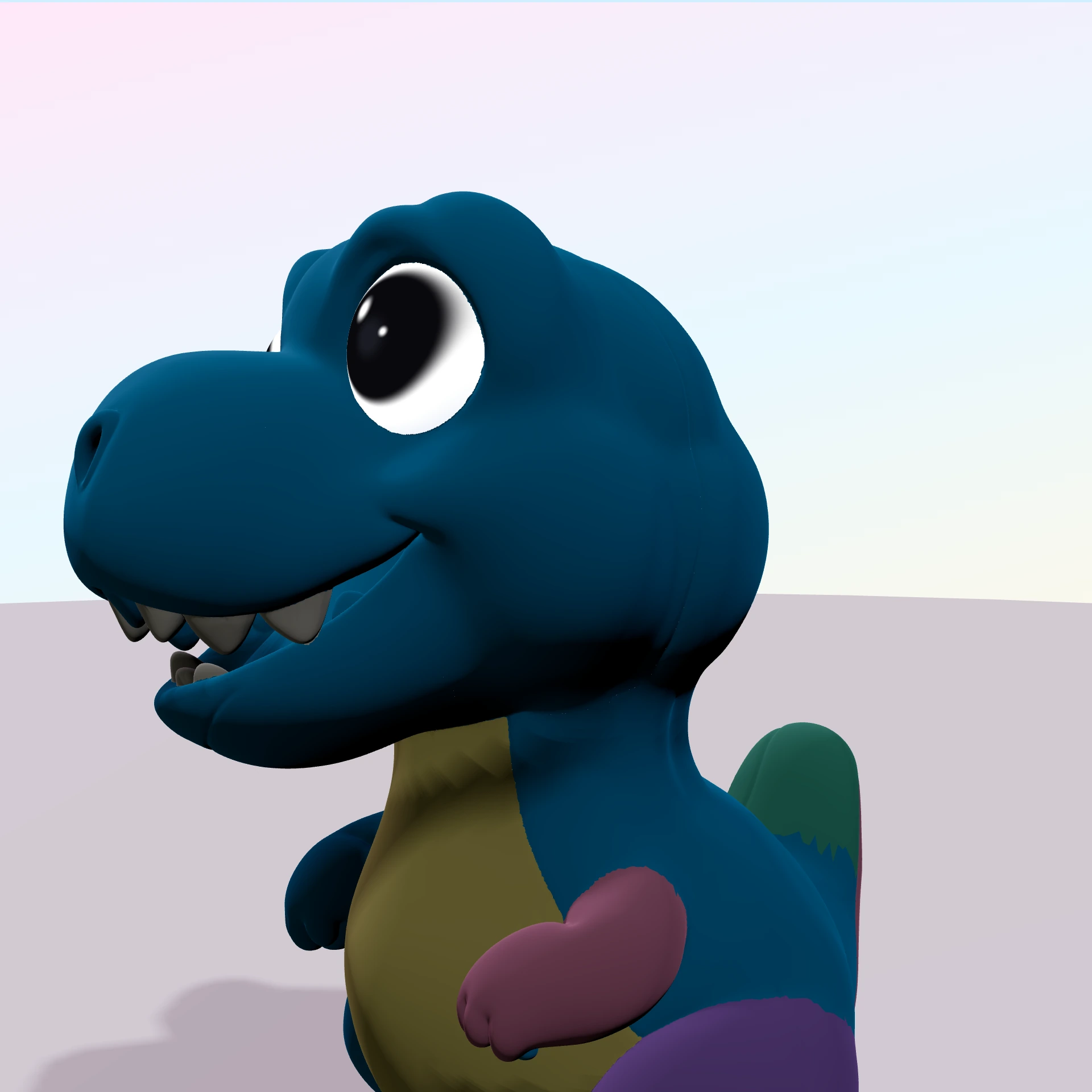
If you want a Coloroo picture with a bit of magic, unicorn and fairy pages live in Fantasy. For colouring that turns into play, Bring Your Art to Life lets kids colour a supported buddy and then walk or drive it in 3D. A parent overview is in 3D colouring games for kids.