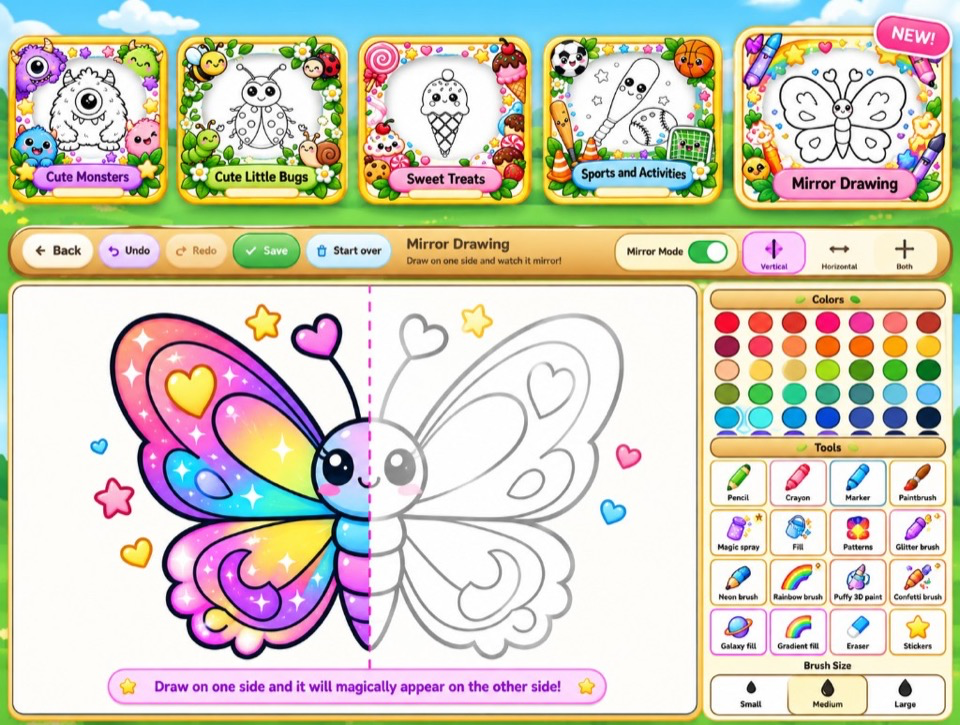
This is a troubleshooting guide. For first ideas, use Mirror Drawing for beginners. For prompts, use the challenge list. The playable canvas is Mirror Drawing.
1. Choose the correct mirror mode
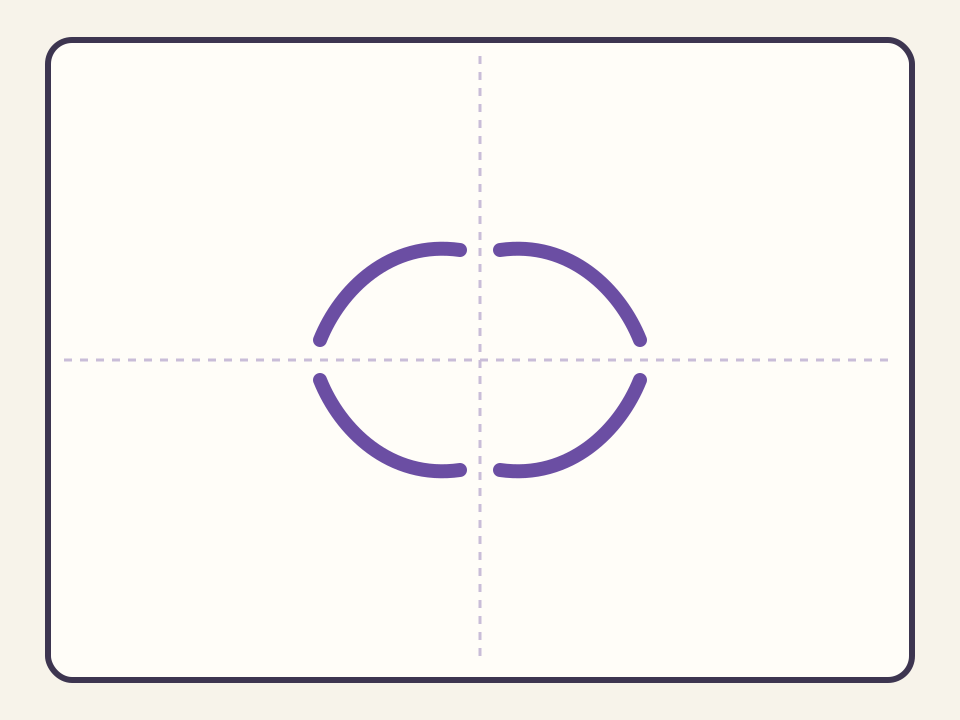
- Vertical — left and right. Faces, hearts, insects.
- Horizontal — up and down. Reflections, boats, stacked smiles.
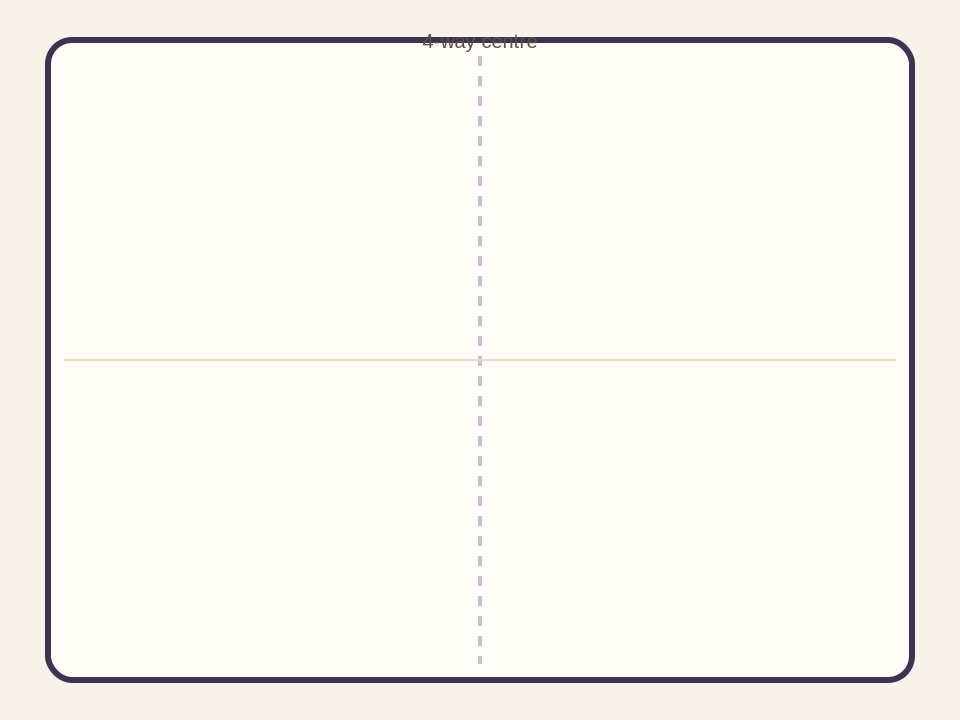
- 4-way — both axes plus the opposite corner. Kaleidoscope-like flowers. Not eight-way, not rotation-only.
If the picture looks like a smashed clover, you are probably in 4-way while thinking in vertical.
2. Understand the centre line
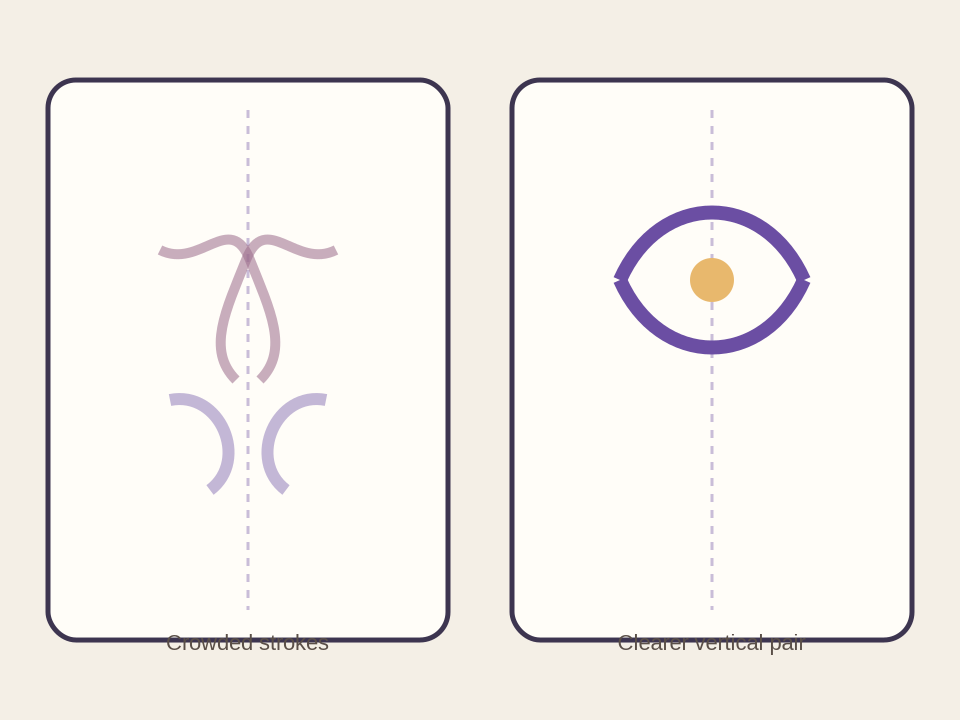
The dashed crossing is the fold. Strokes that sit on it get copied on top of themselves. Leave a little air between the line and the first mark, unless you want a filled blob on purpose.
3. Drawing too close to the centre
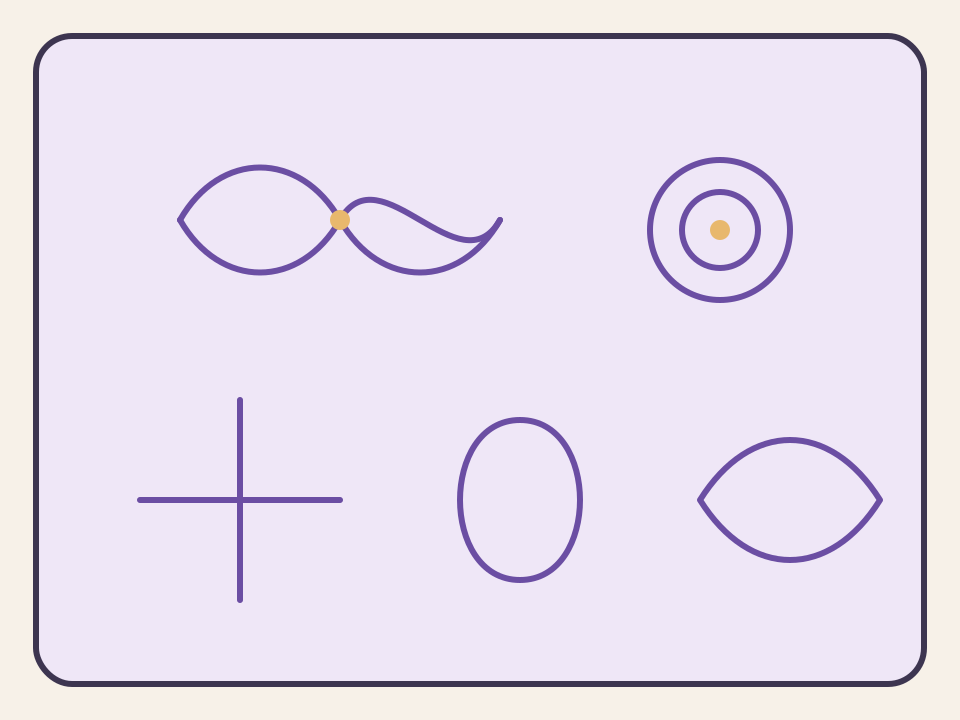
Tiny hooks against the axis turn into a dark knot. Zoom with the browser if you need to, or use a thicker brush farther out.
4. Accidentally overlapping strokes
Overlaps look busy in every mode. They also confuse Auto Colour, which looks for closed regions. If two loops share an edge, the fill may skip them or fill a surprising pocket. Undo the last stroke instead of drawing a third loop to “fix” it.
5. Switching modes mid-drawing
Existing strokes keep the symmetry they were drawn with. New strokes follow the mode you just selected. That is useful for a 4-way flower plus a vertical stem. It is confusing if you forget you switched.
6. Brush size
Start large so you can see the copy. Switch smaller for eyelashes and dots. A hairline brush on a phone is how people decide the tool is broken.
7. Build patterns gradually
One structure stroke. Pause. One detail stroke. Pause. Four-way multiplies every mistake by four, which is efficient and unforgiving.
8. Undo and redo
Undo removes the last action, including a fill Auto Colour just made. Redo brings it back. There is no separate “clear only the mirrored copies” button. If the page is a knot, restarting is faster than twenty undos.
9. Auto Colour, accurately
When Auto Colour is on, Coloroo tries to fill closed mirrored regions with ordinary colours and Puffy Paint. Glitter, neon, fluffy, pattern and galaxy fills are not auto-copied to the mirrored side. Open strokes are ignored. Very large regions can be rejected so the whole canvas does not flood. Loops can close by meeting the start, or by crossing themselves.
If a closed-looking shape does not fill, it is often still open by a few pixels, or the area is too large. That is the current detector, not a hidden setting.
10. Saving or restarting
Print / Download captures what you see. Restart when the fold is buried. Artwork on this device stays as you play; an account is for keeping work across devices.
Vertical versus four-way at a glance
More construction help: kaleidoscope art and symmetrical flowers.